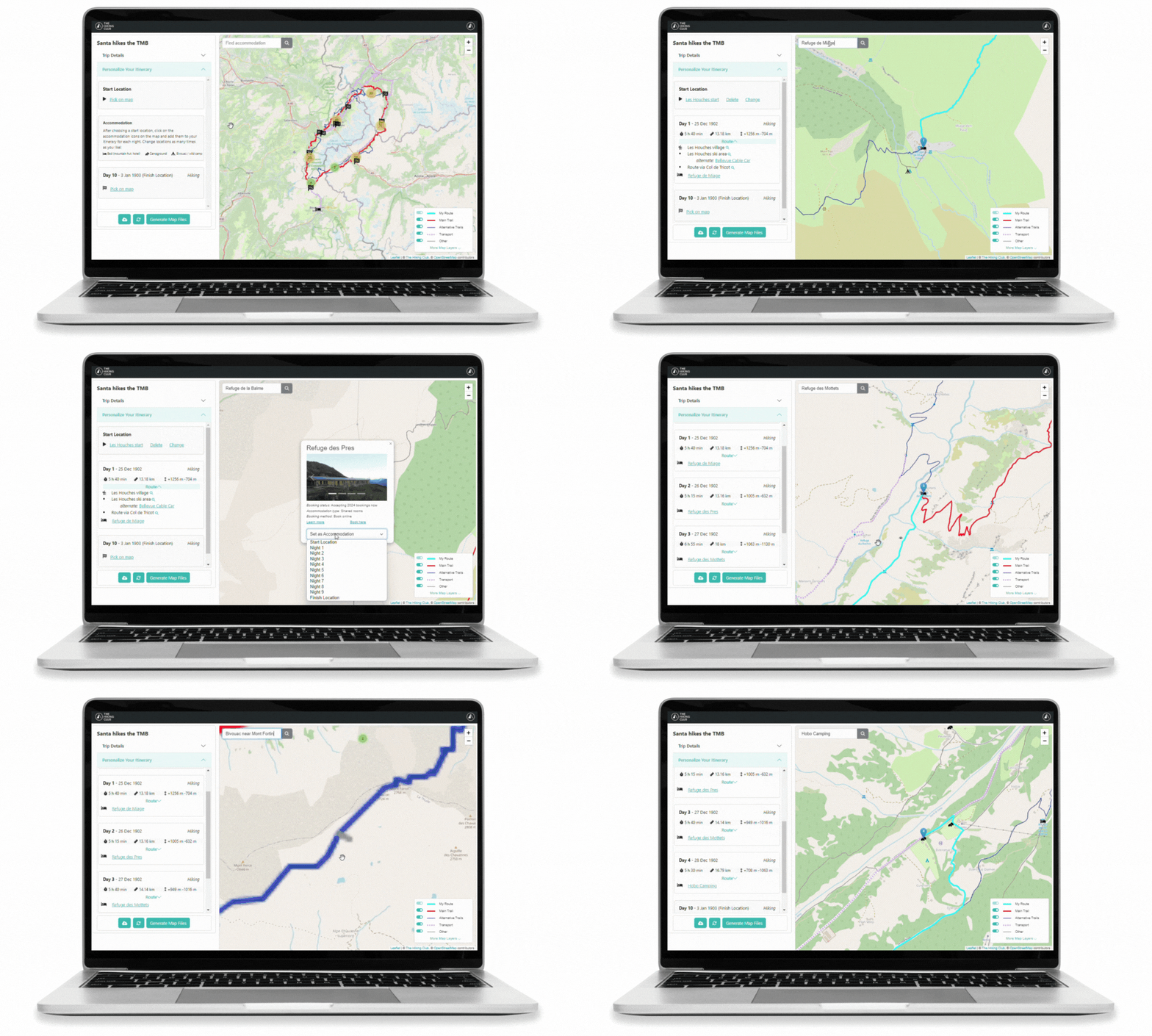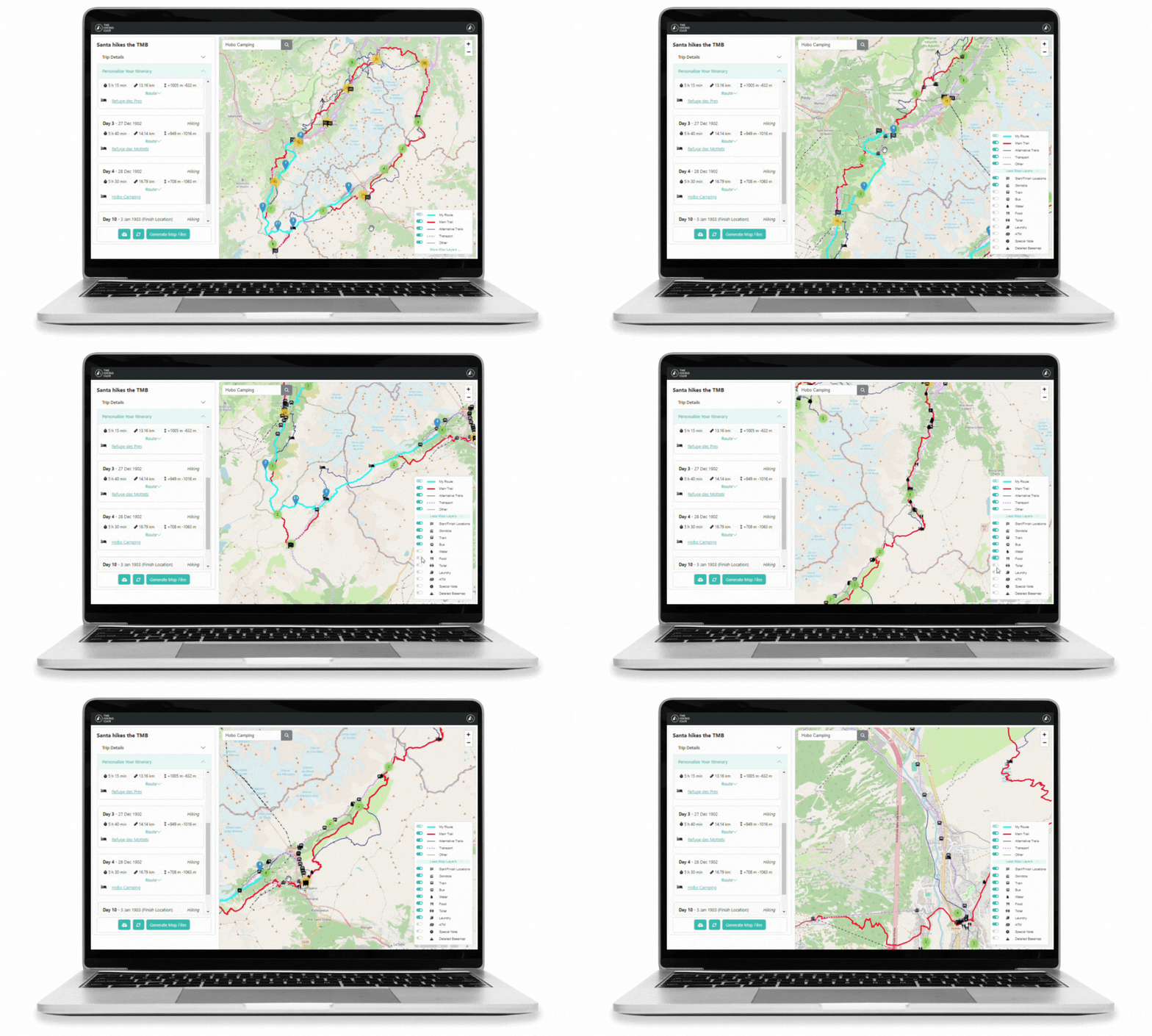

A new look and smarter tools for planning your hike
We've made a major update to The Hiking Club planning platform, making it easier to explore route options, organise accommodation and fine-tune each day of your adventure.
Explore your route with a clearer map
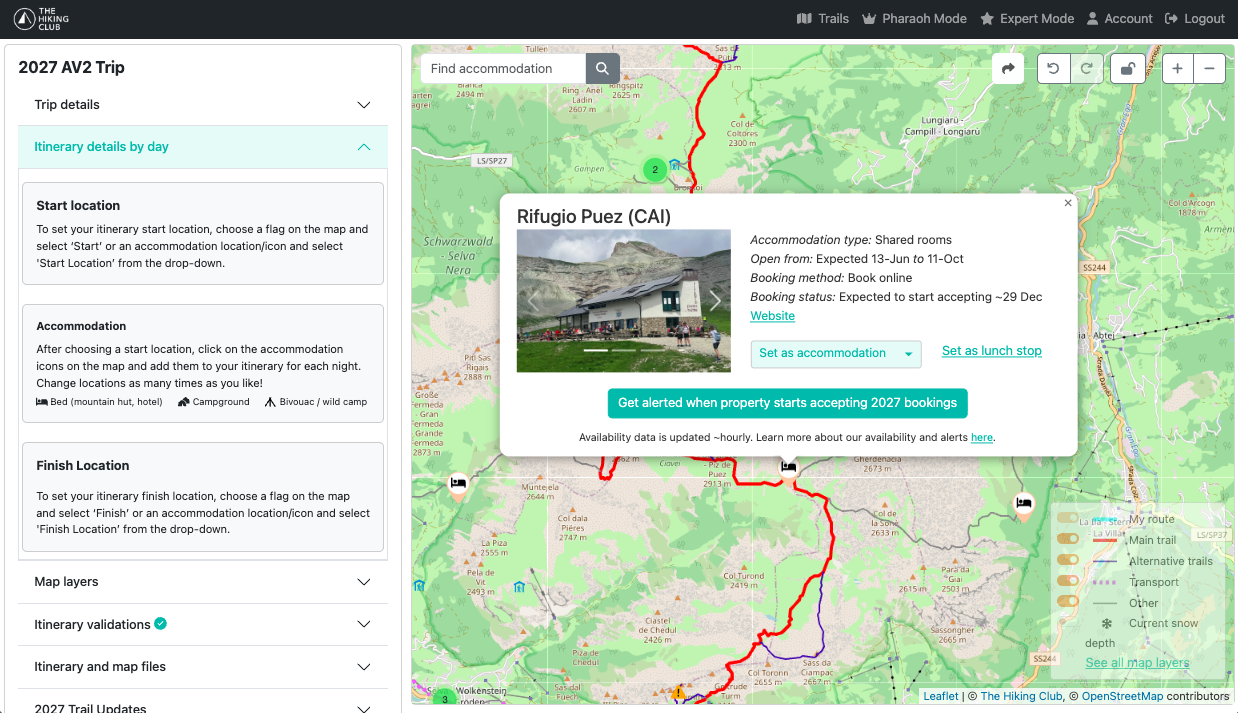
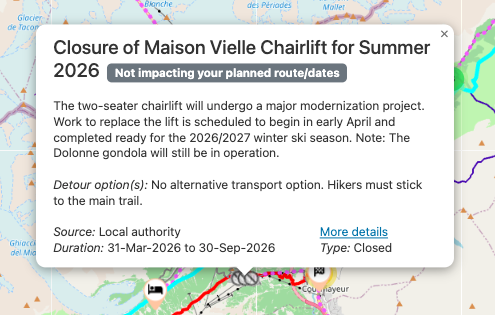
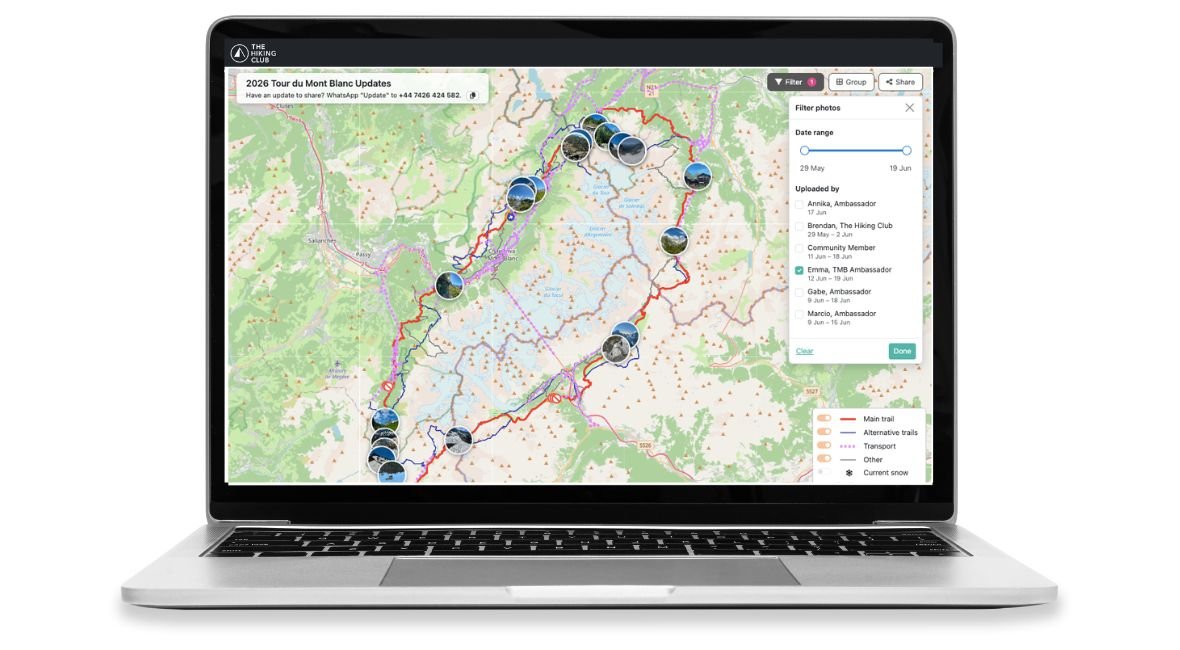
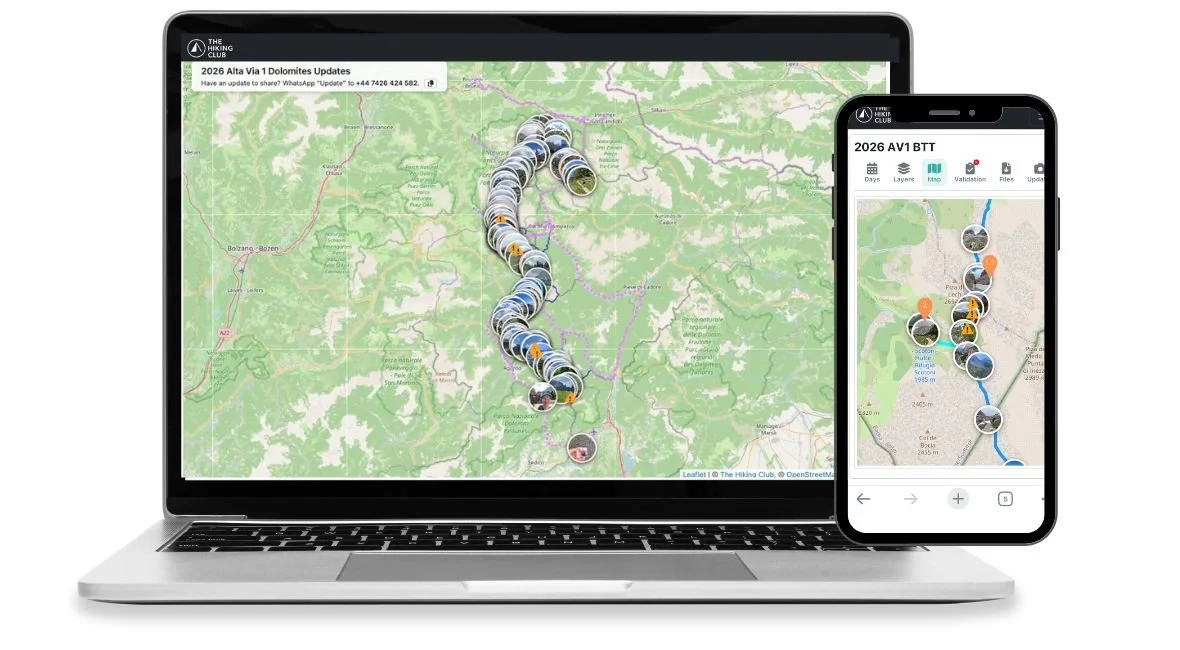
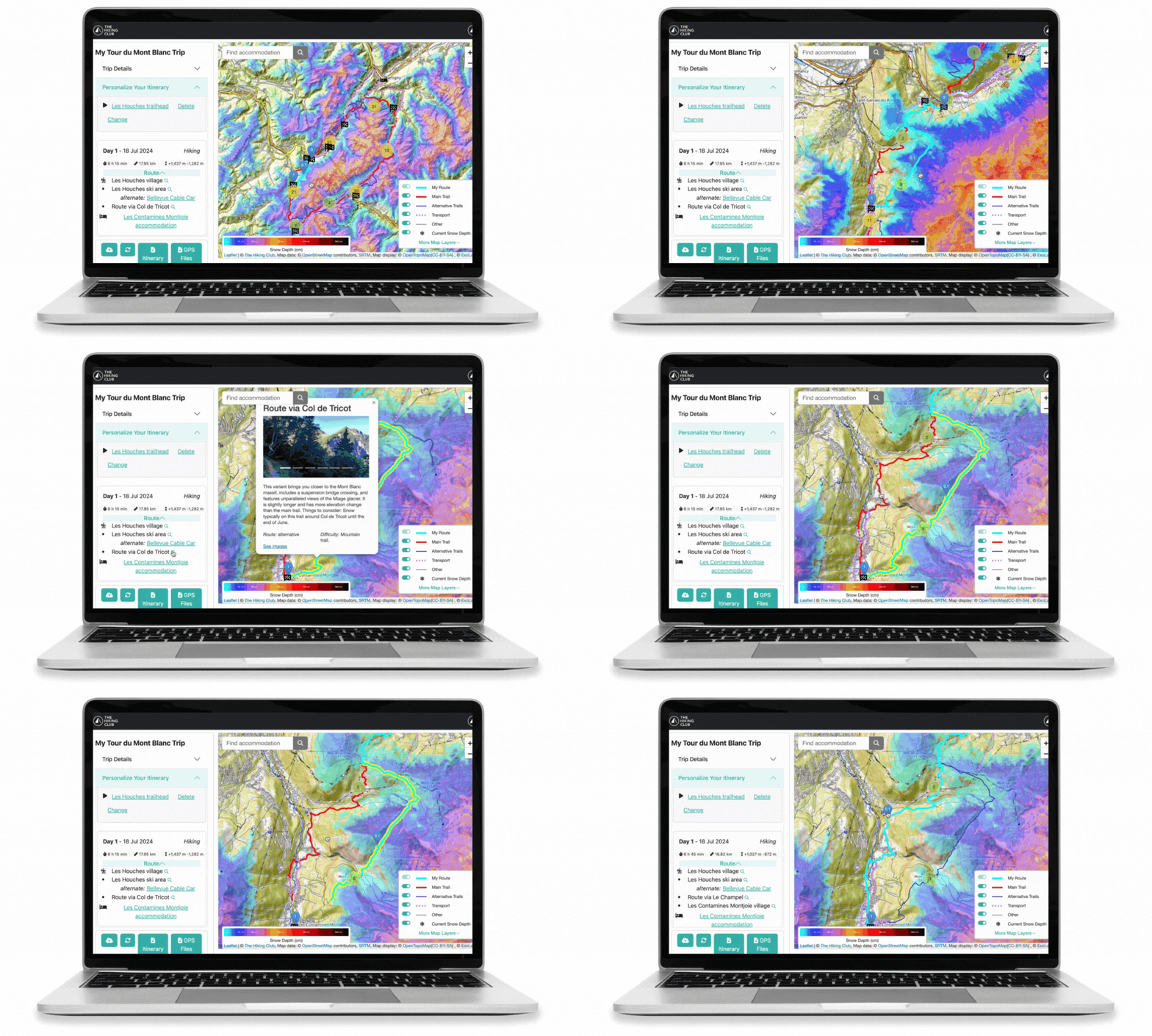
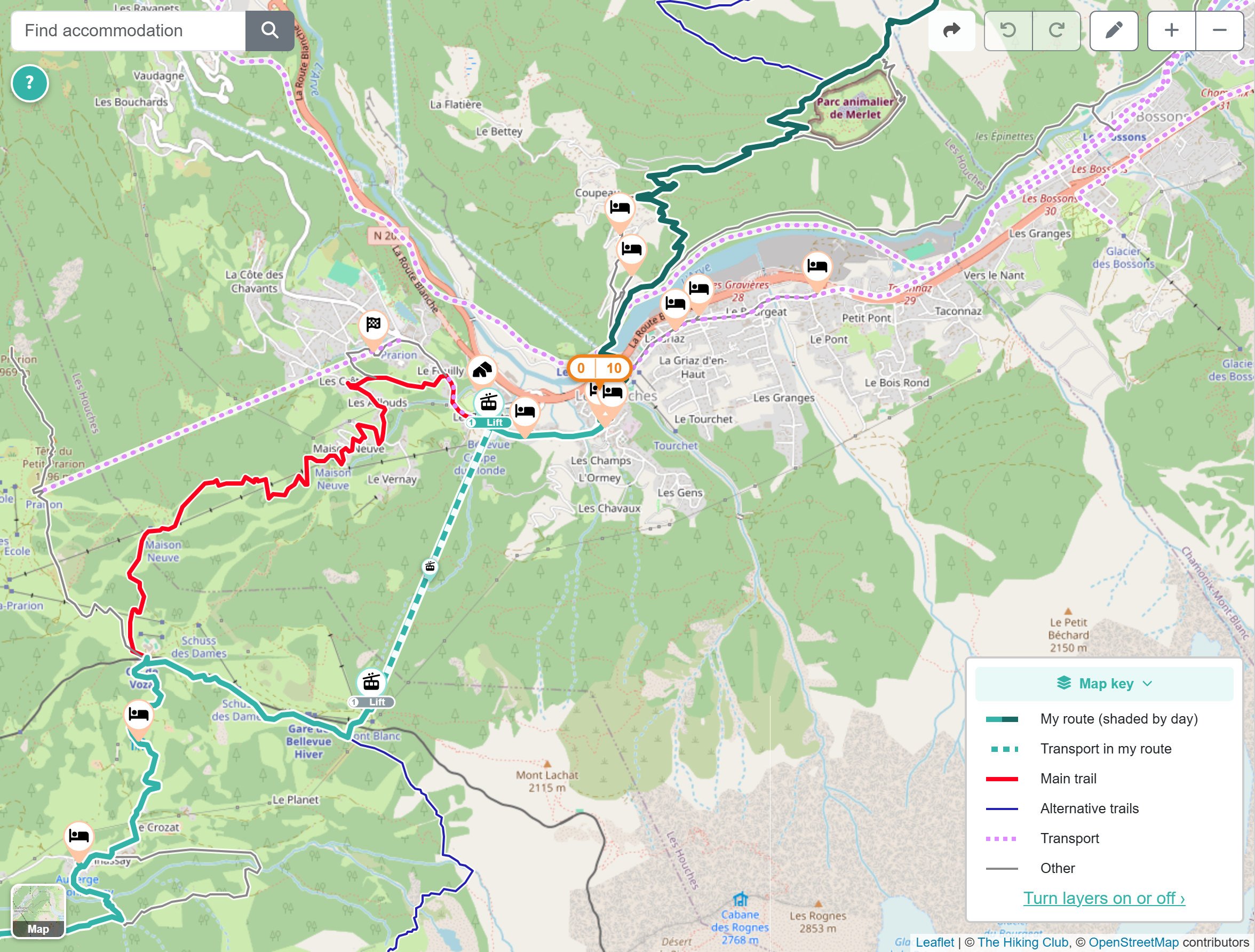
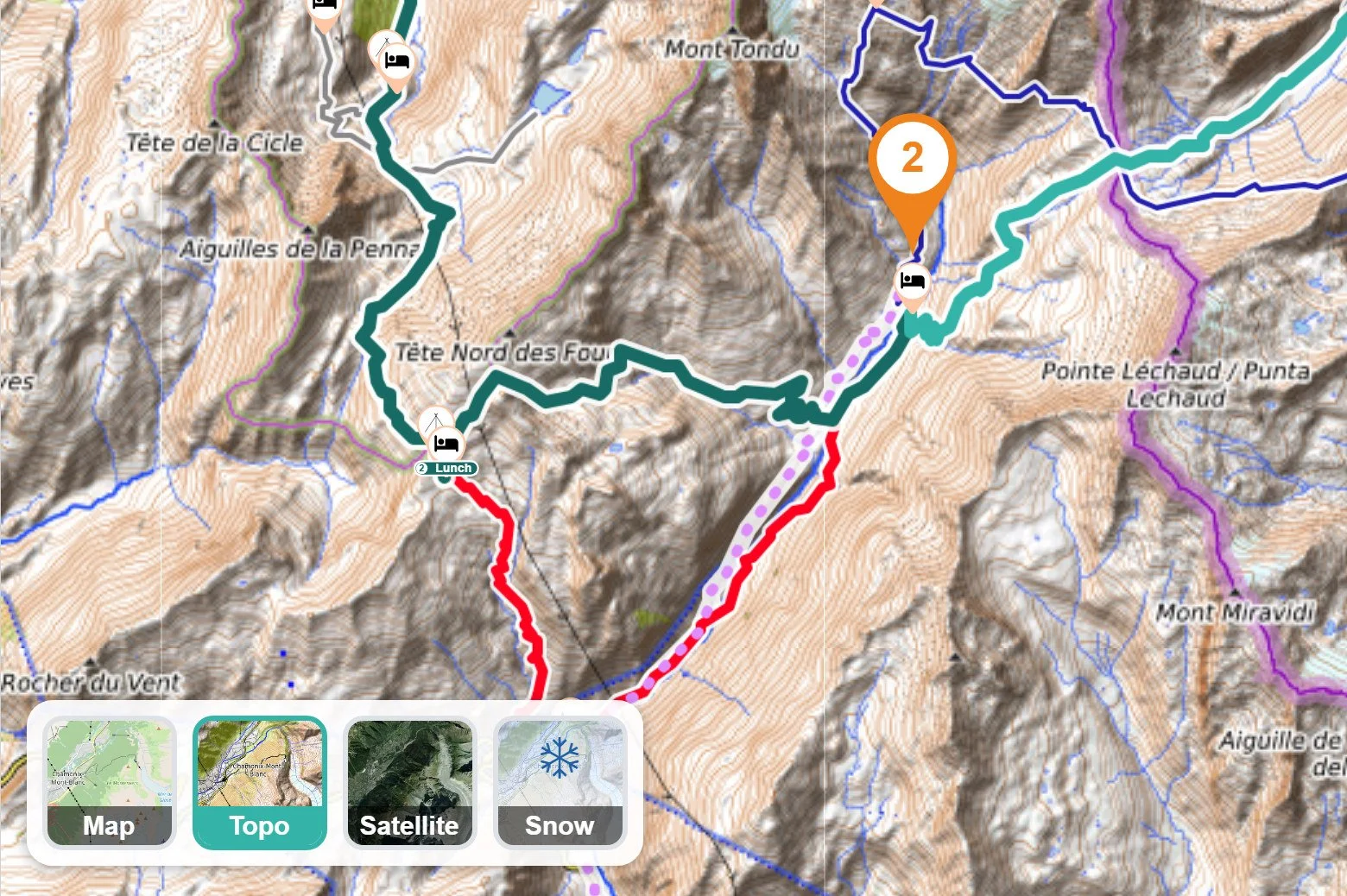
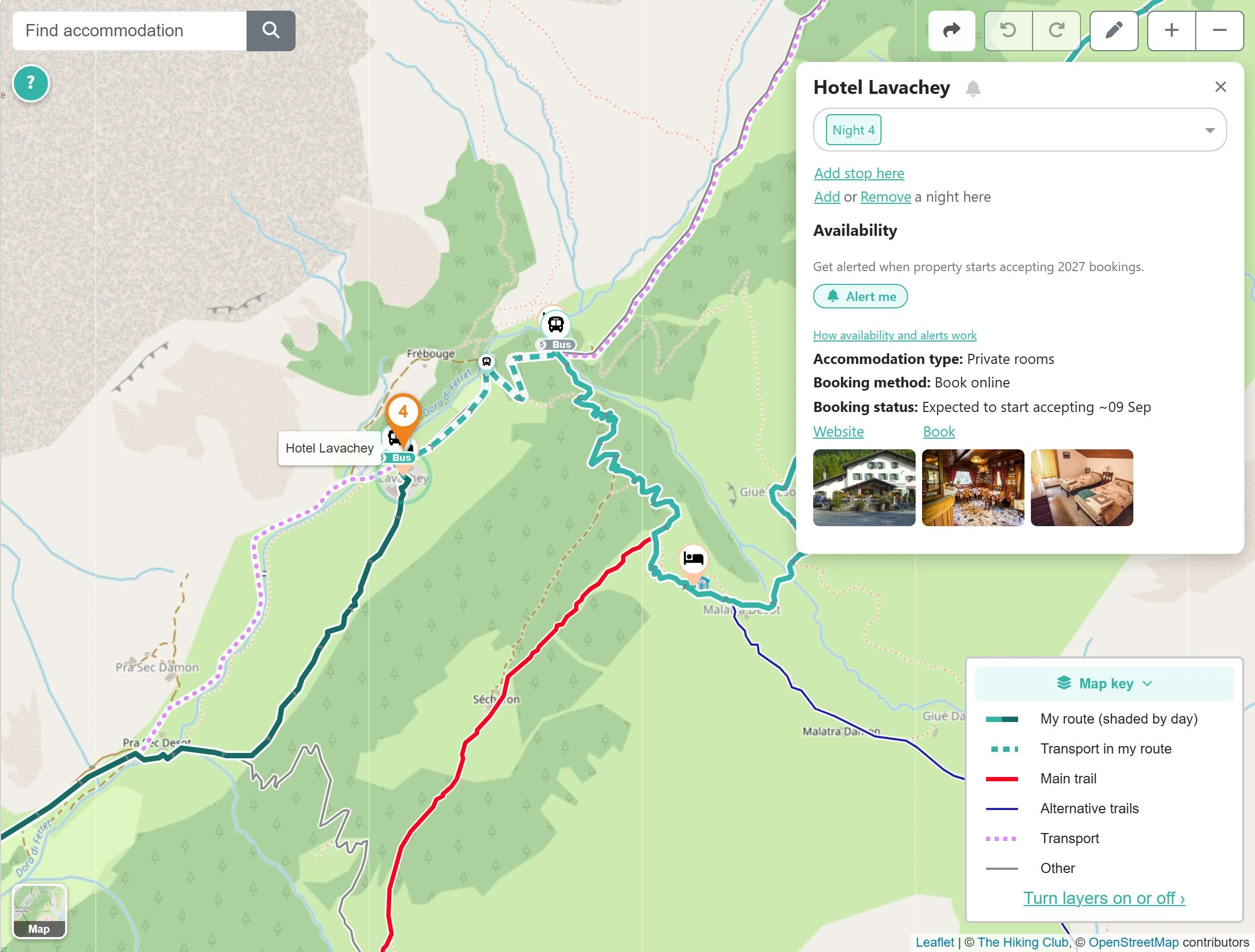
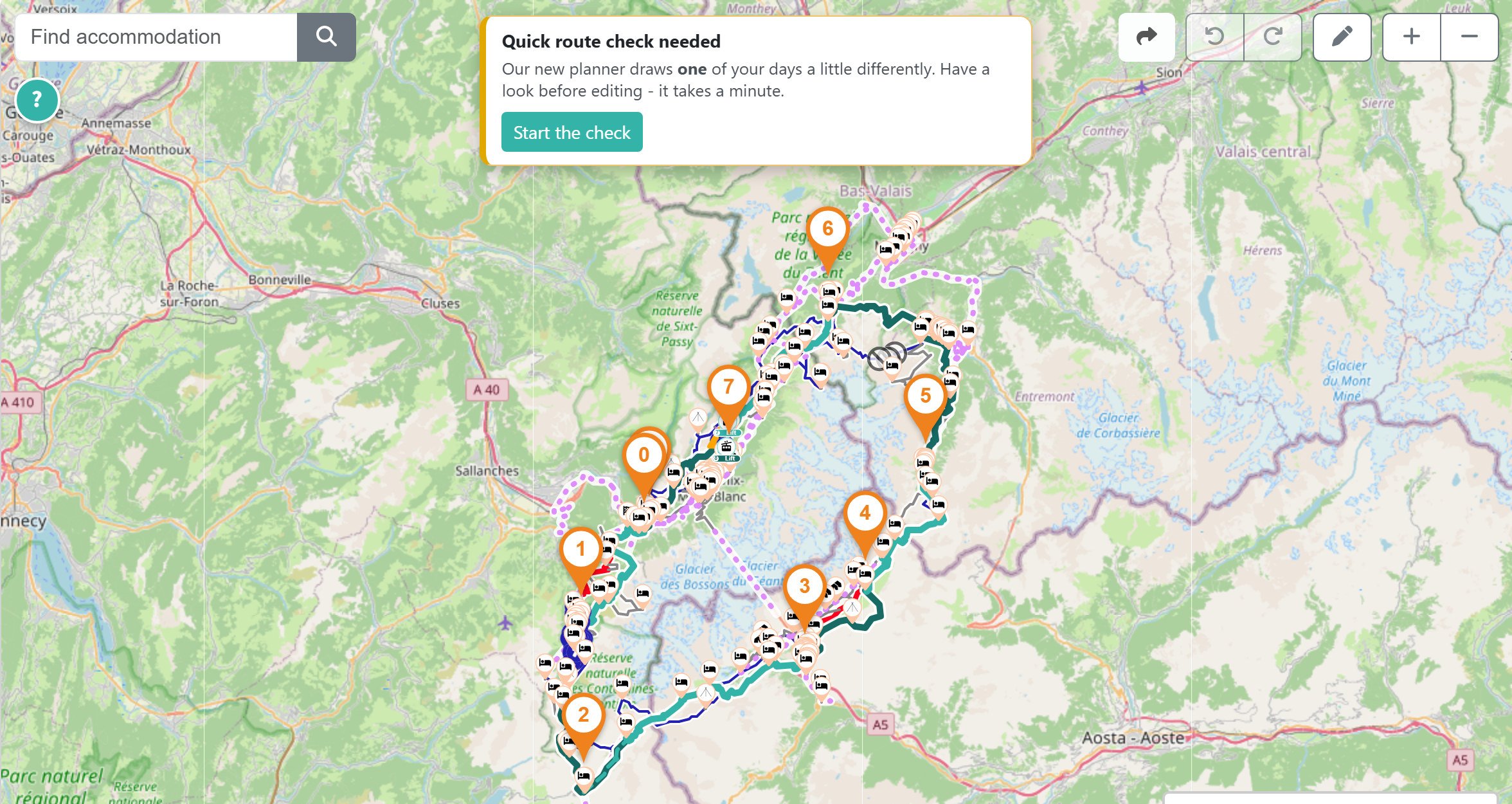
Your itinerary now alternates between two teal colours to distinguish each hiking day, with dashed lines showing transport sections. The map key also folds away, giving you more space to explore your route.
Switch between topographic and satellite maps, or add relief shading to see the valleys and ridges along your route.
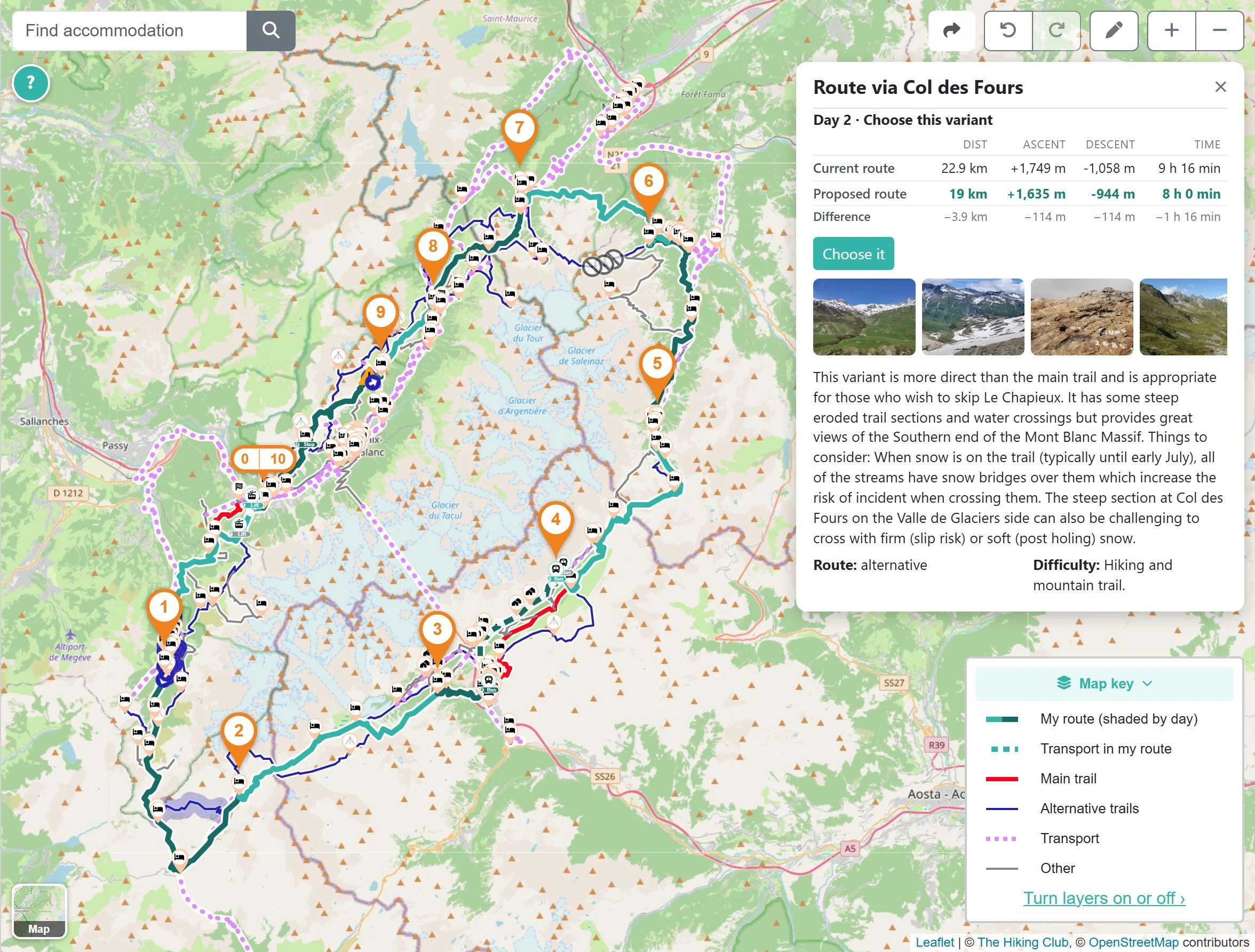
Choose alternative routes and transport in one click
Select an alternative trail or transport option on the map to compare your day's distance, elevation gain, elevation loss and hiking time before making a change.
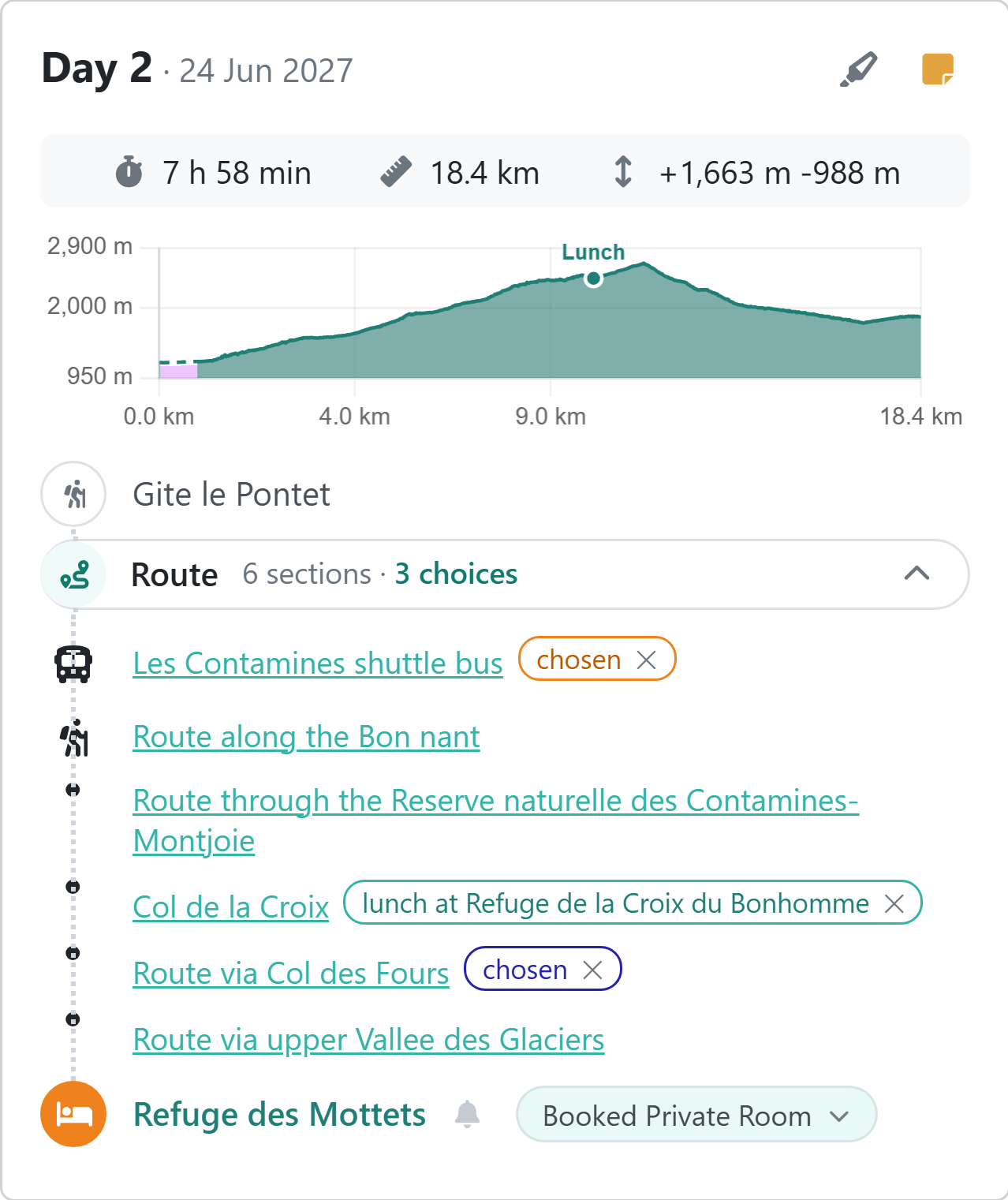
Your selected options appear alongside the relevant route section in your day card, making them easy to review and remove.
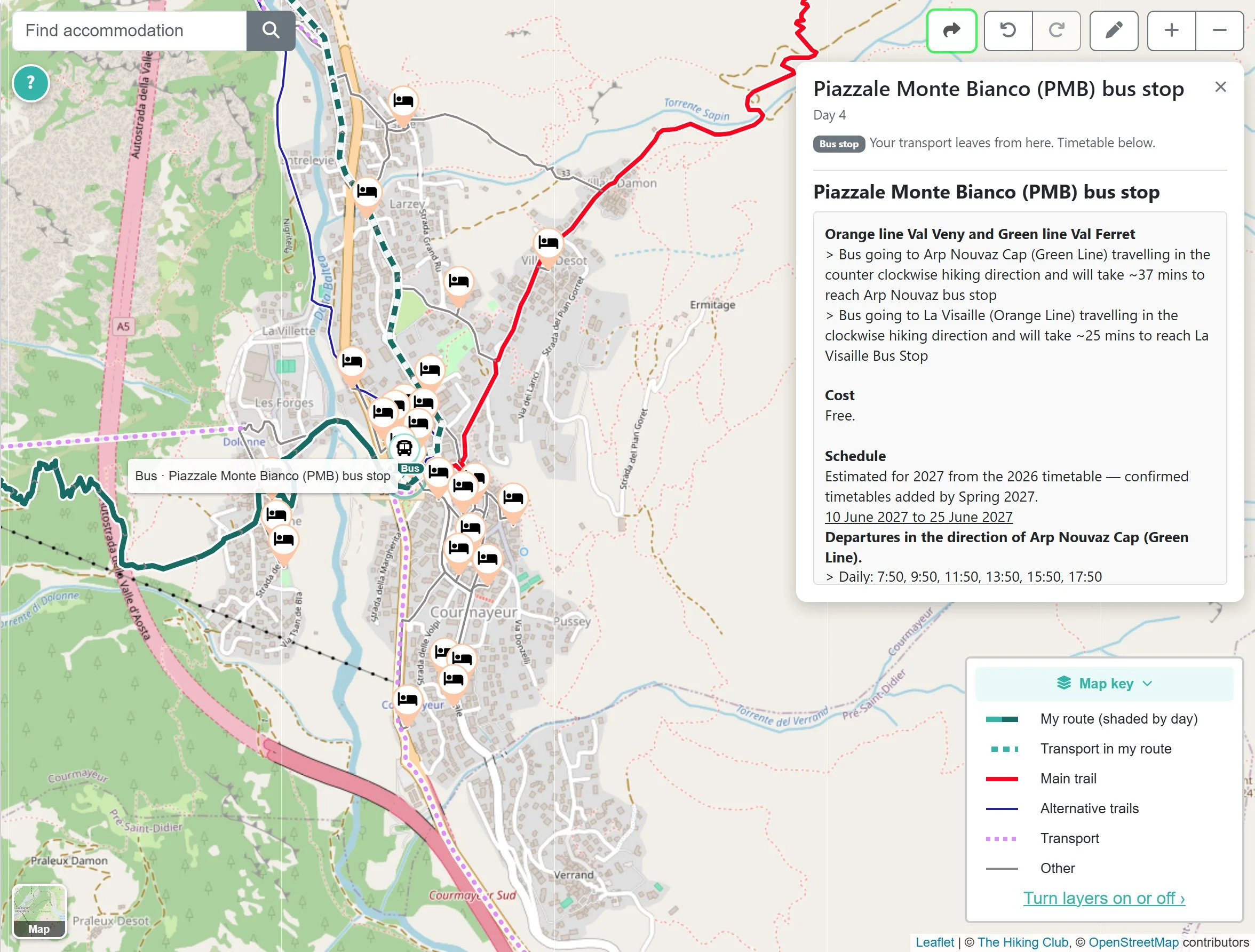
Plan your bus journey between specific stops
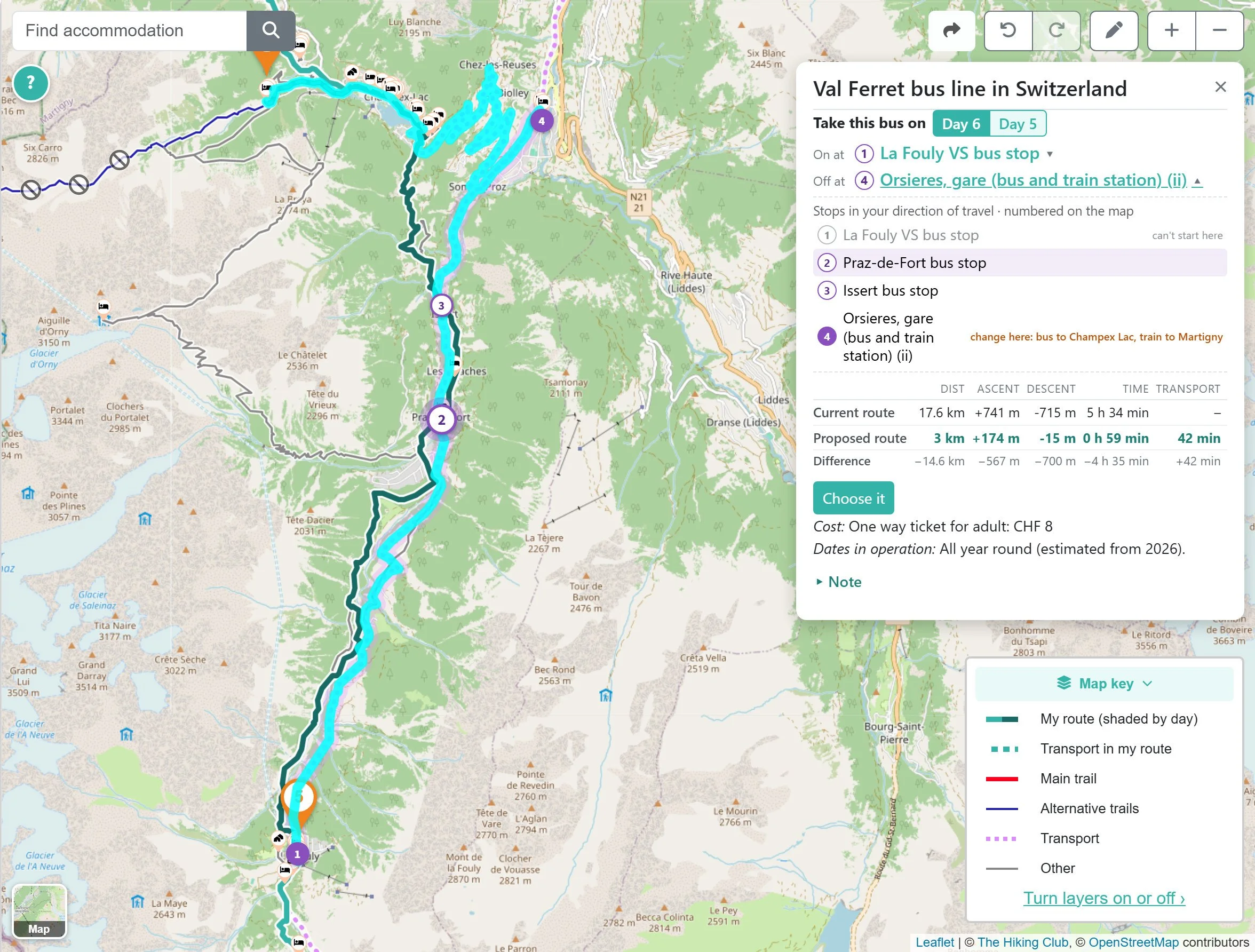
You can now choose the exact stops where you board and get off. Numbered stops on the map help you identify the right section, while the planner shows how the ride changes your hiking day.
Click your boarding stop to view departure times for your direction of travel, fares and operating dates.
See each day's journey and elevation profile
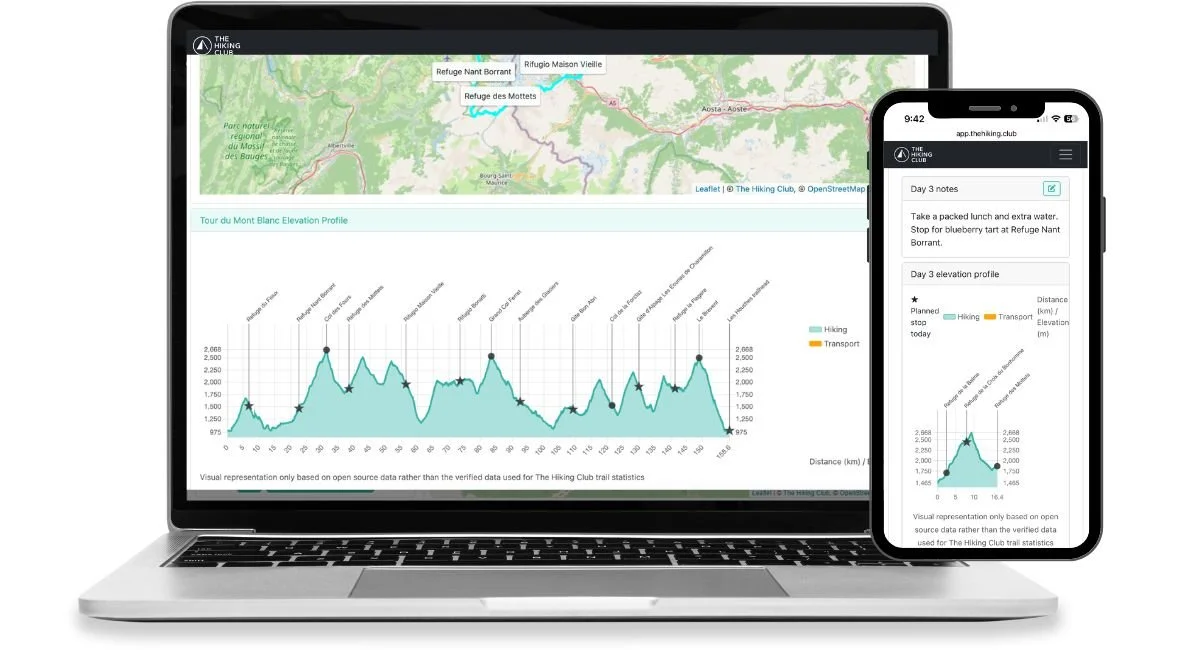
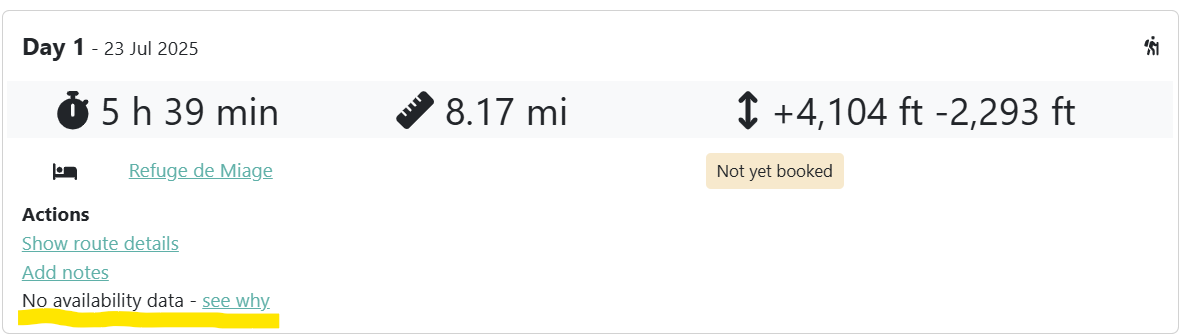
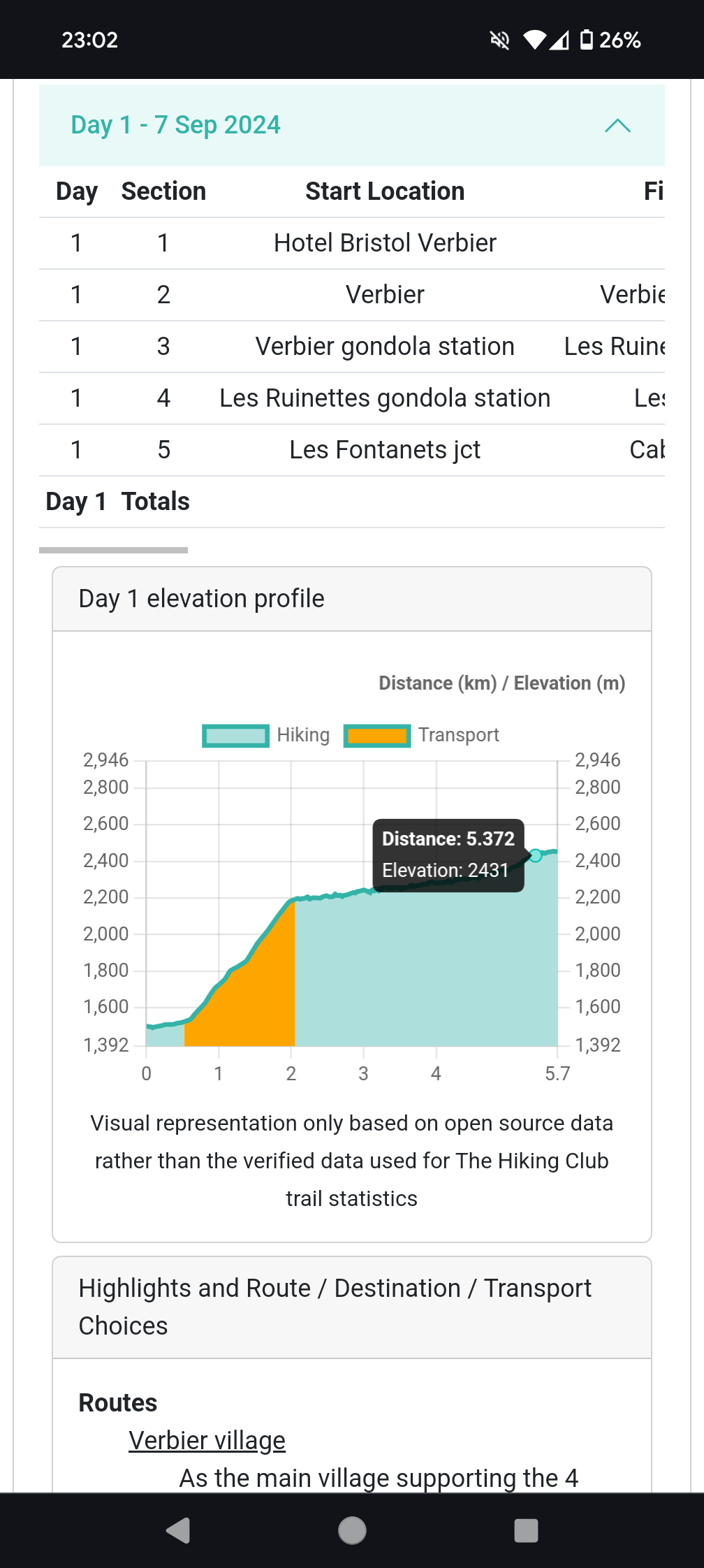
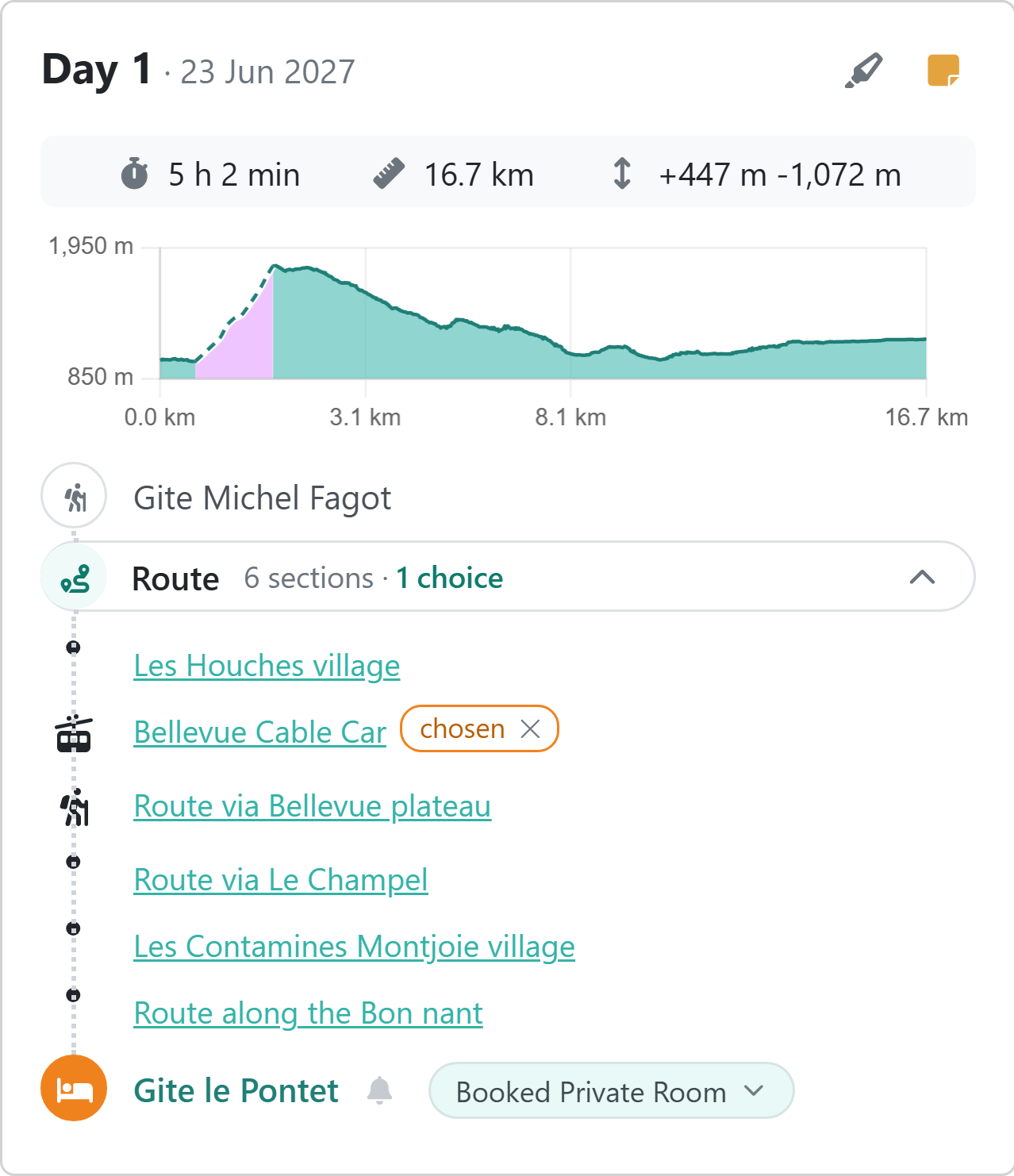
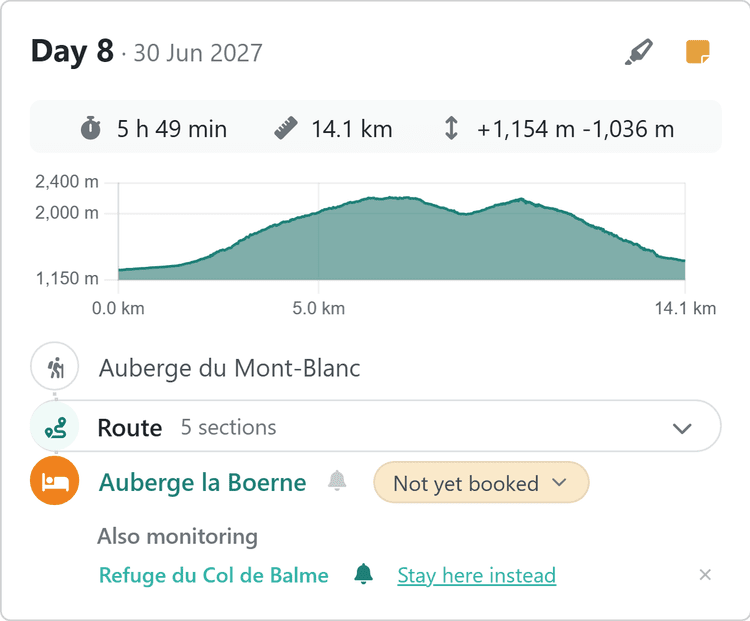
Each day brings together your starting accommodation, route and overnight stay. Expand the route to see each section in walking order, with a daily elevation profile showing climbs, descents and transport sections.
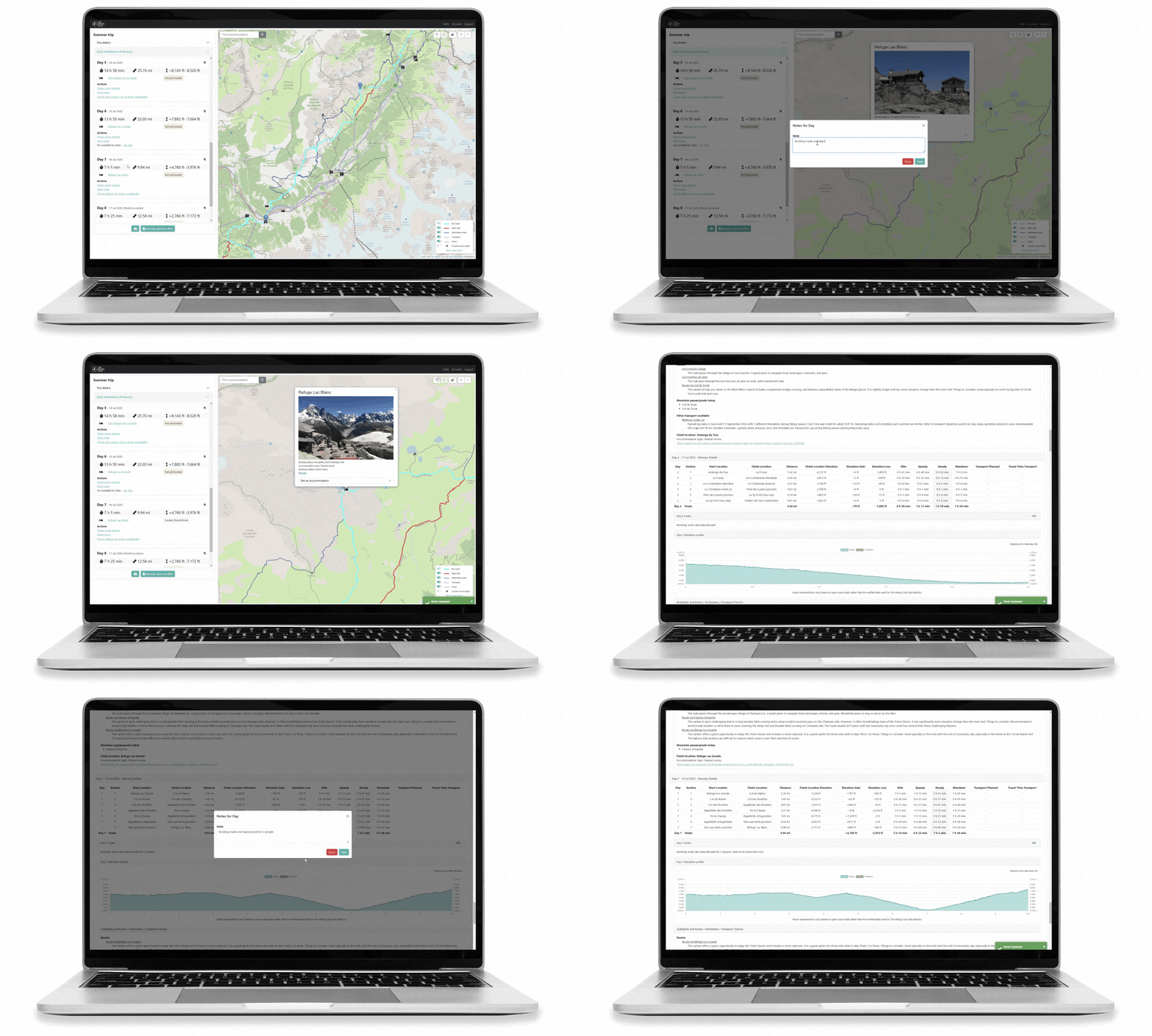
Add notes to your planned stops
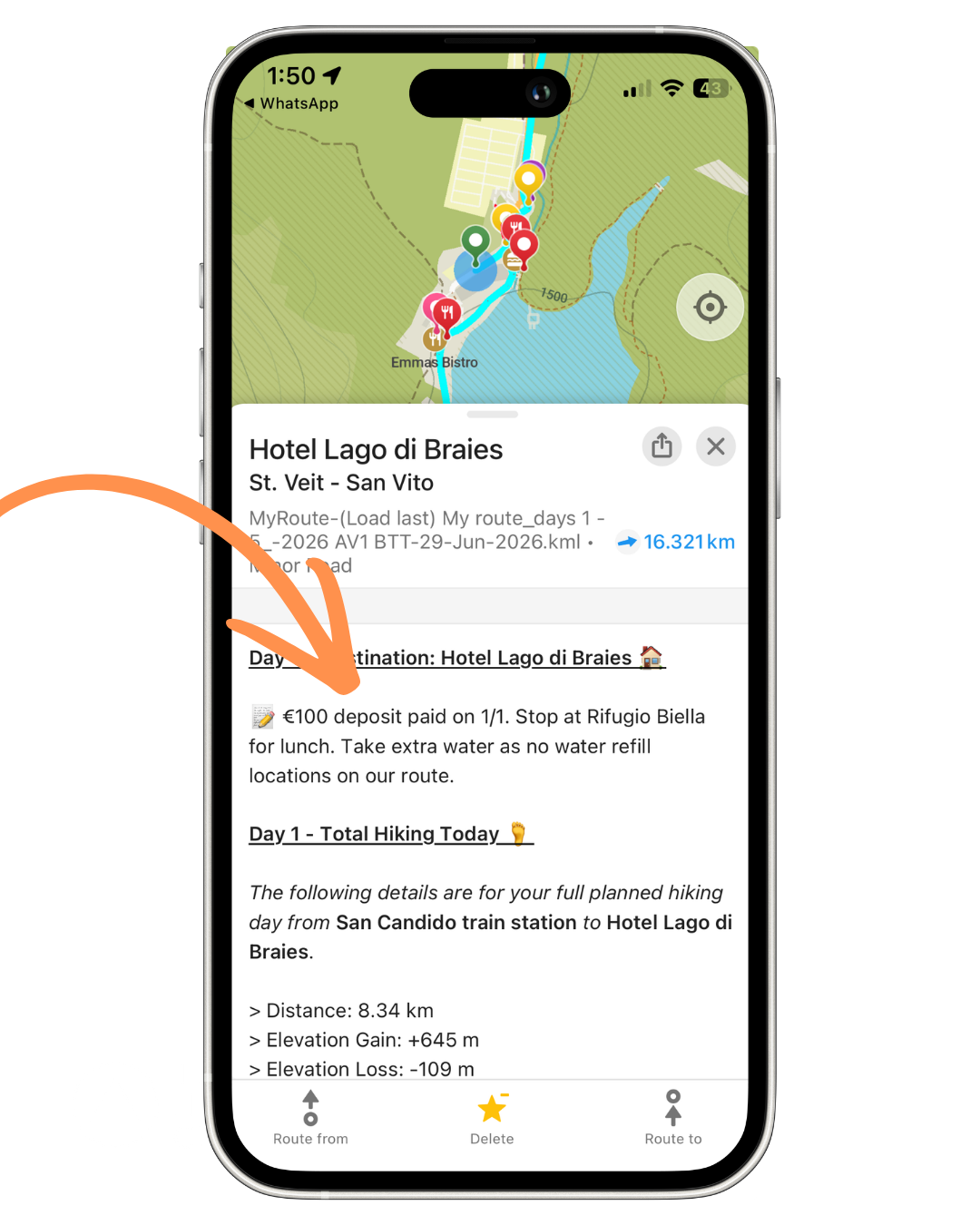
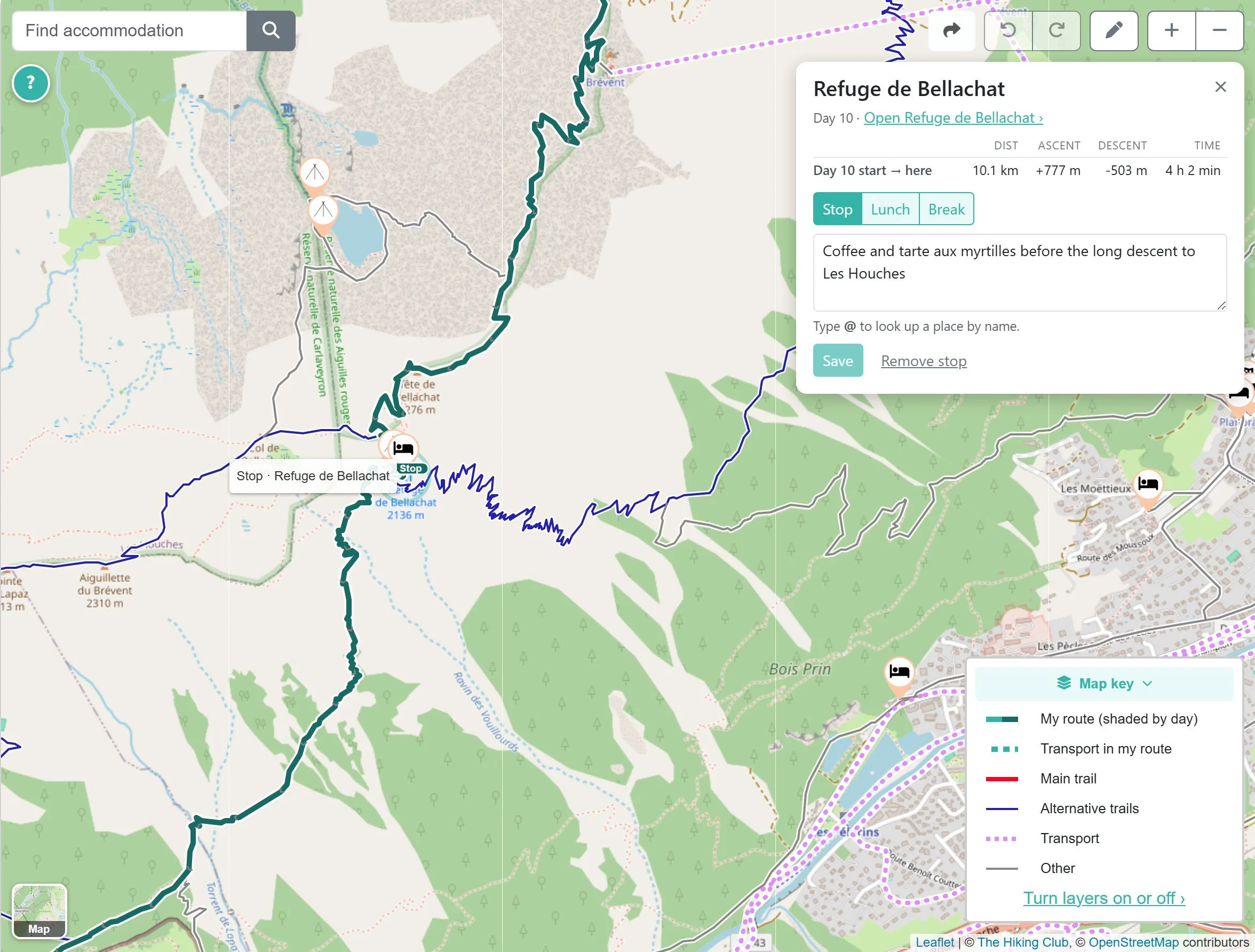
Planning lunch at a hut or a coffee break along the way? Add a stop and a personal note, then see the distance, elevation gain and estimated hiking time from the start of your day.
Find accommodation across a whole village
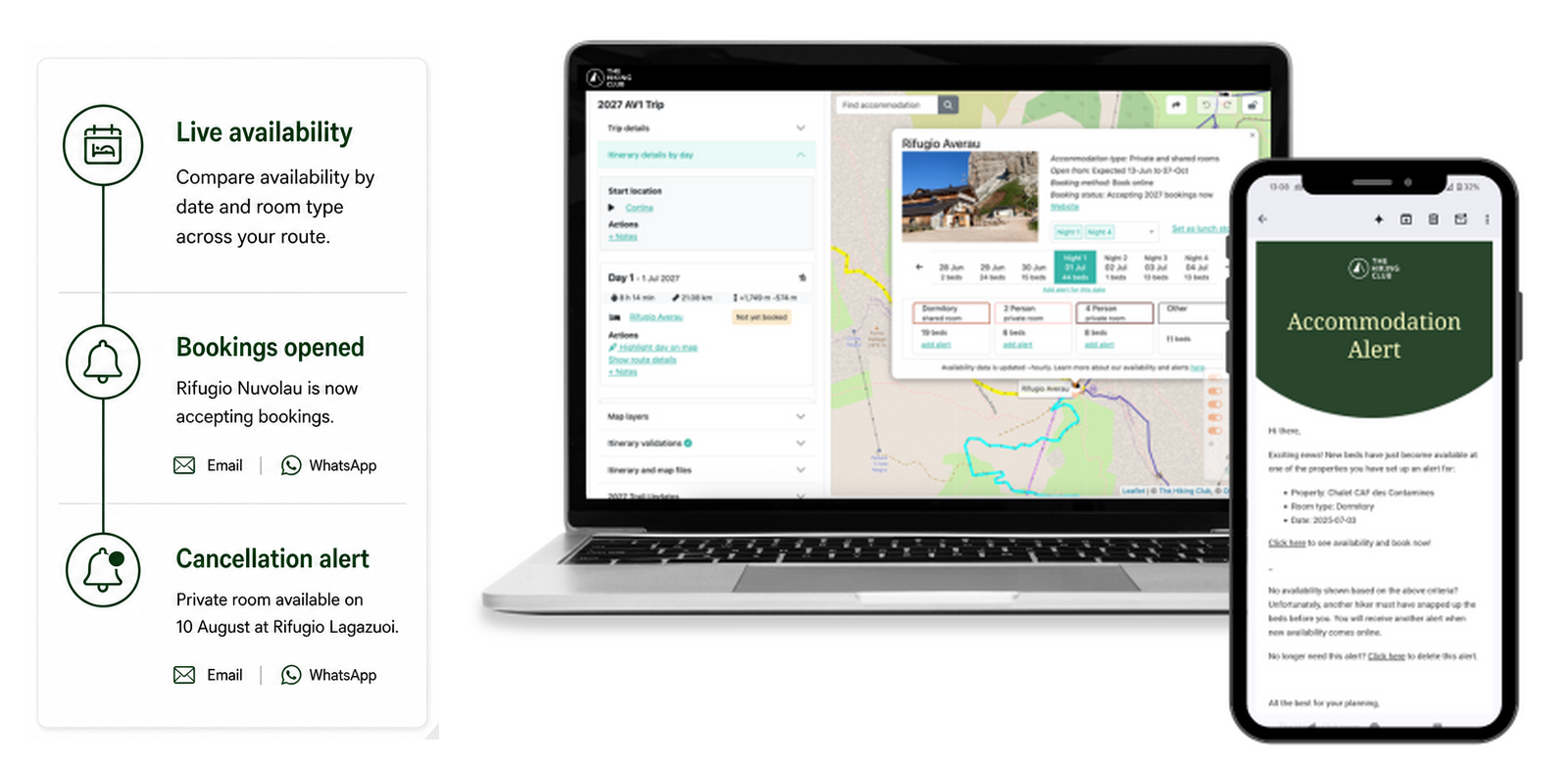
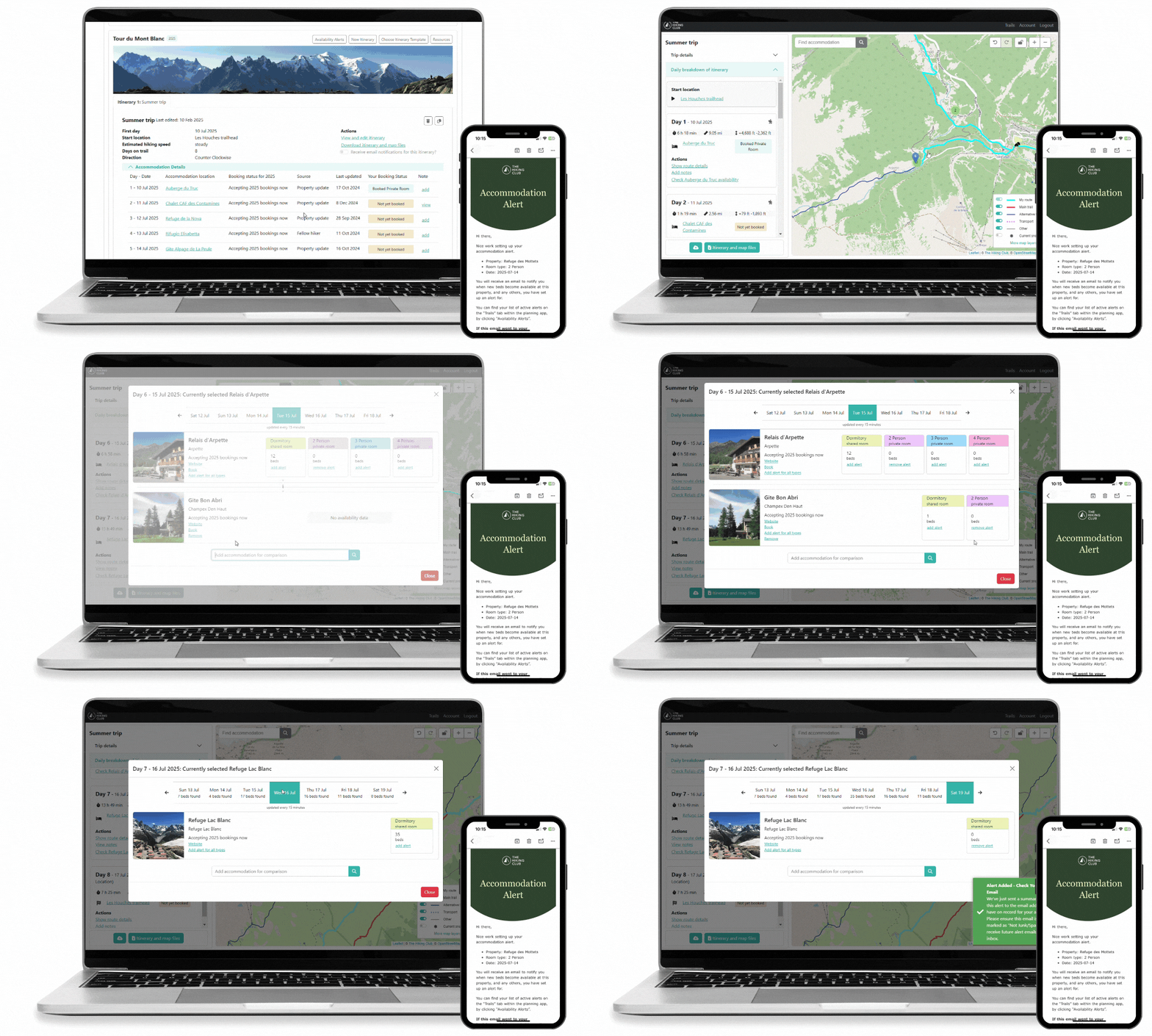
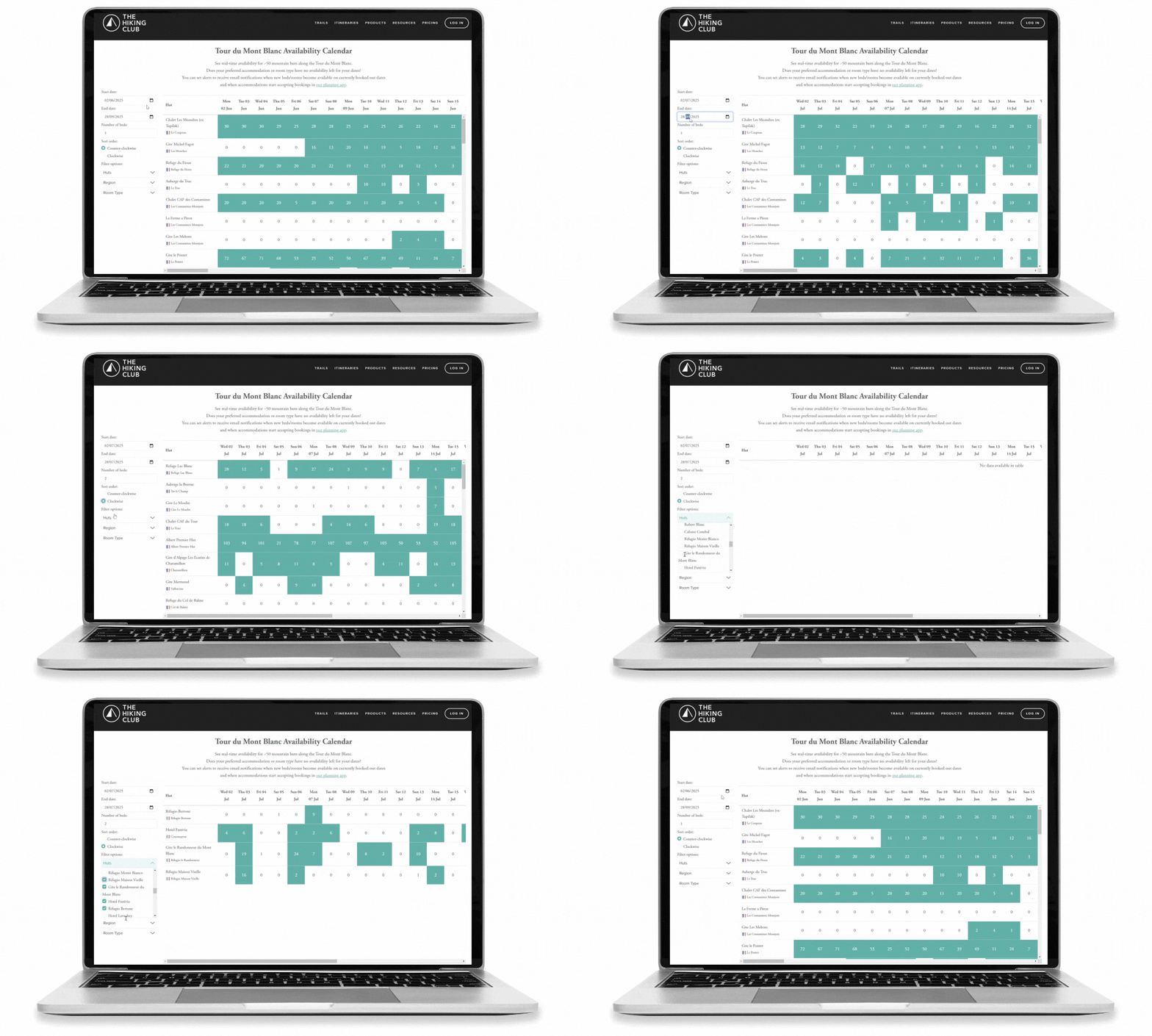
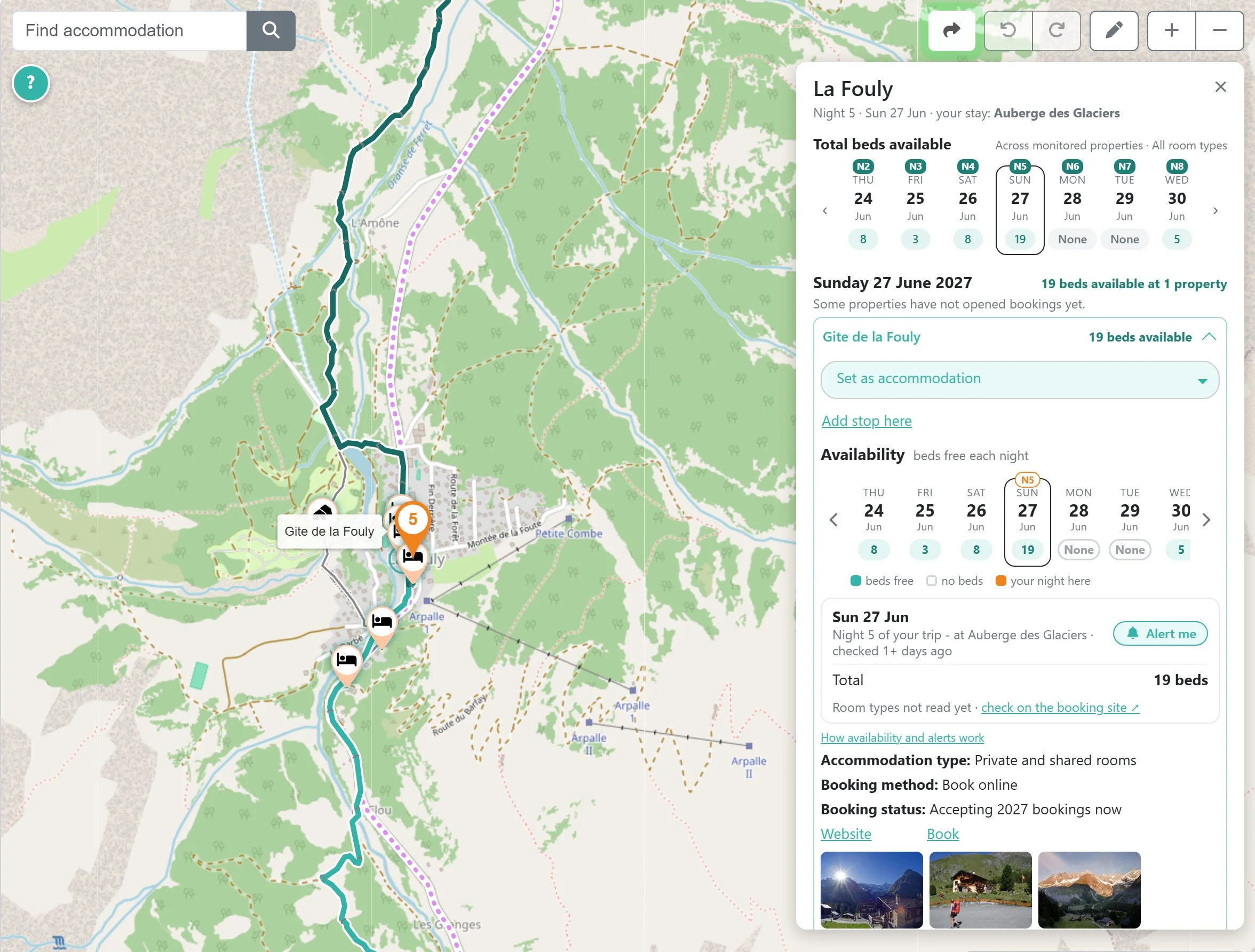
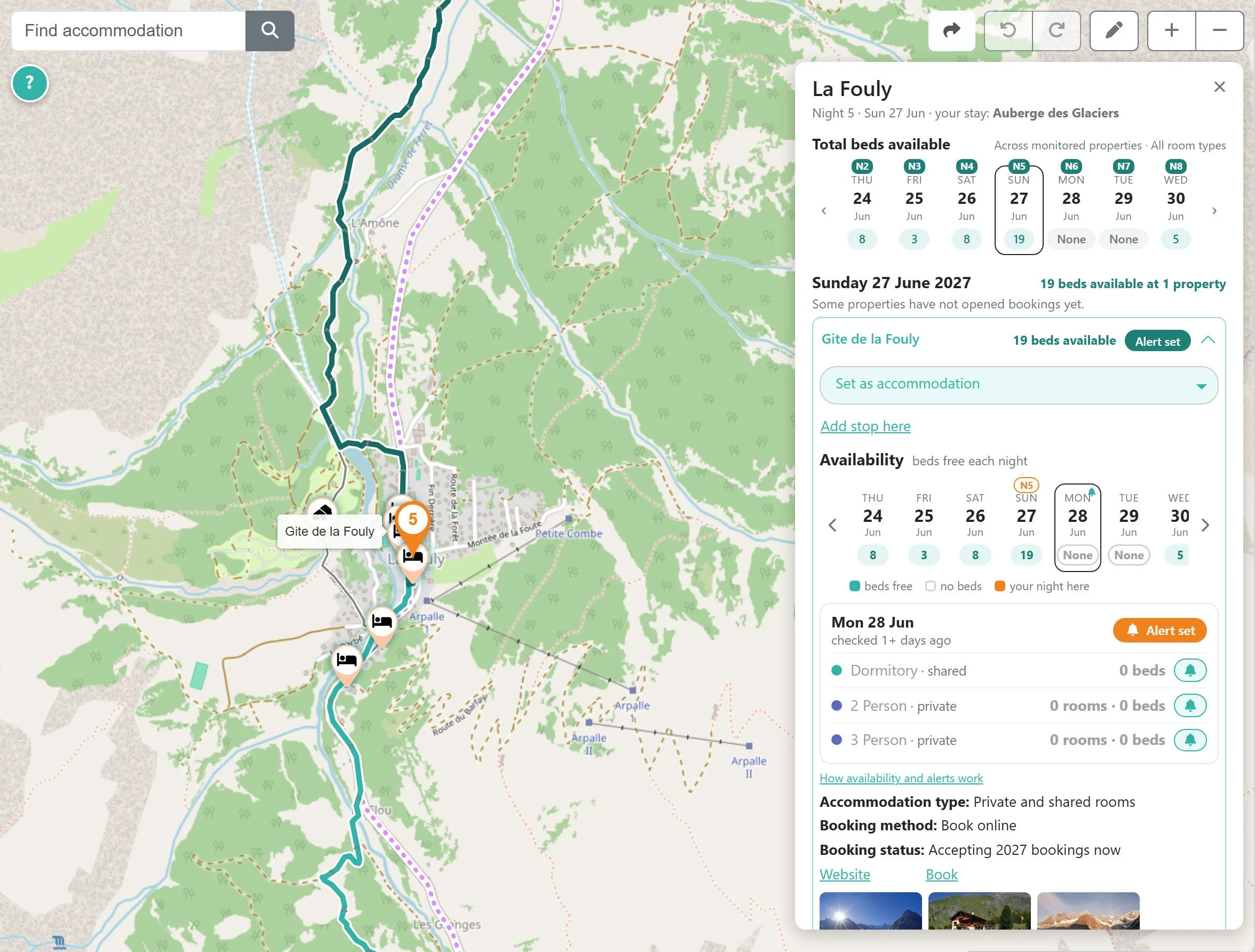
View a village's accommodation options together, including shared and private rooms and combined live availability where we track properties.
Compare nearby options for your dates, or select the village as your overnight destination and choose a specific property later.
Monitor more than one property per night
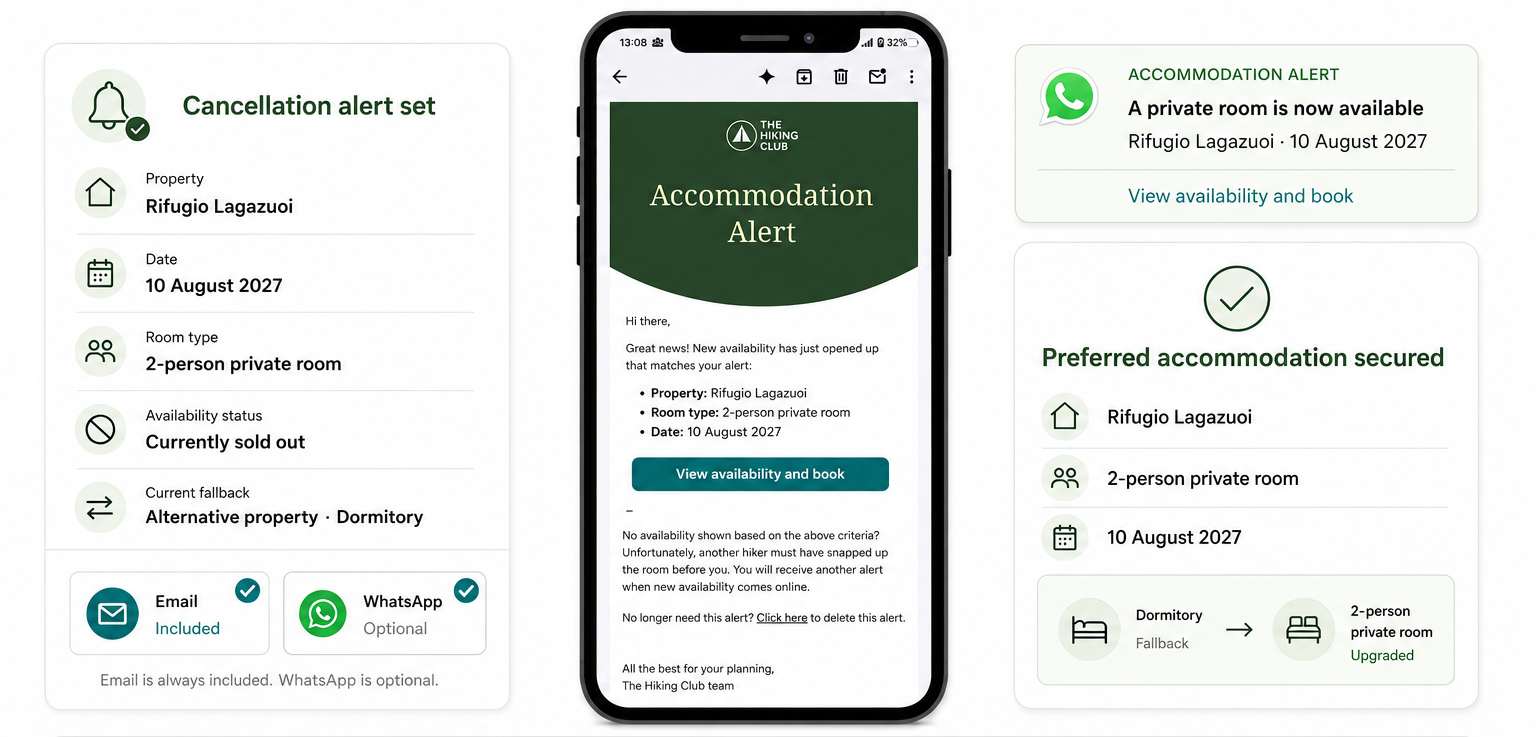
Keep your planned accommodation in place while monitoring alternatives for booking openings or cancelled beds. These appear under “Also monitoring” on your day card, with a “Stay here instead” option when you're ready to switch.
Bell icons beside property names make alerts easier to manage, turning orange when an alert is set.
Add or remove a rest day
You can now add an extra night at an overnight stop or remove one from an existing itinerary. The planner adjusts subsequent itinerary dates and updates your route around the change.
Keep your trip organised in one place
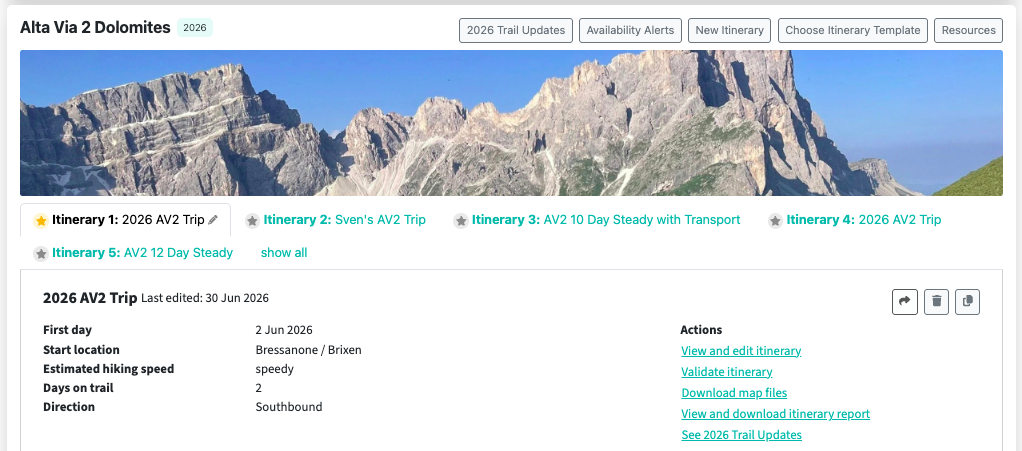
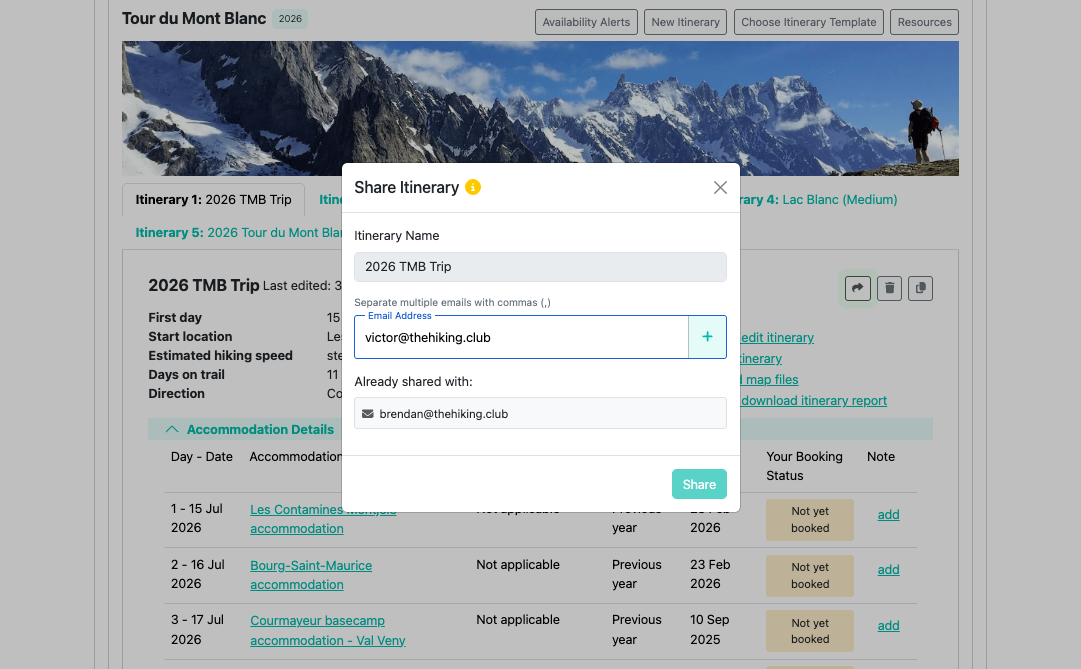
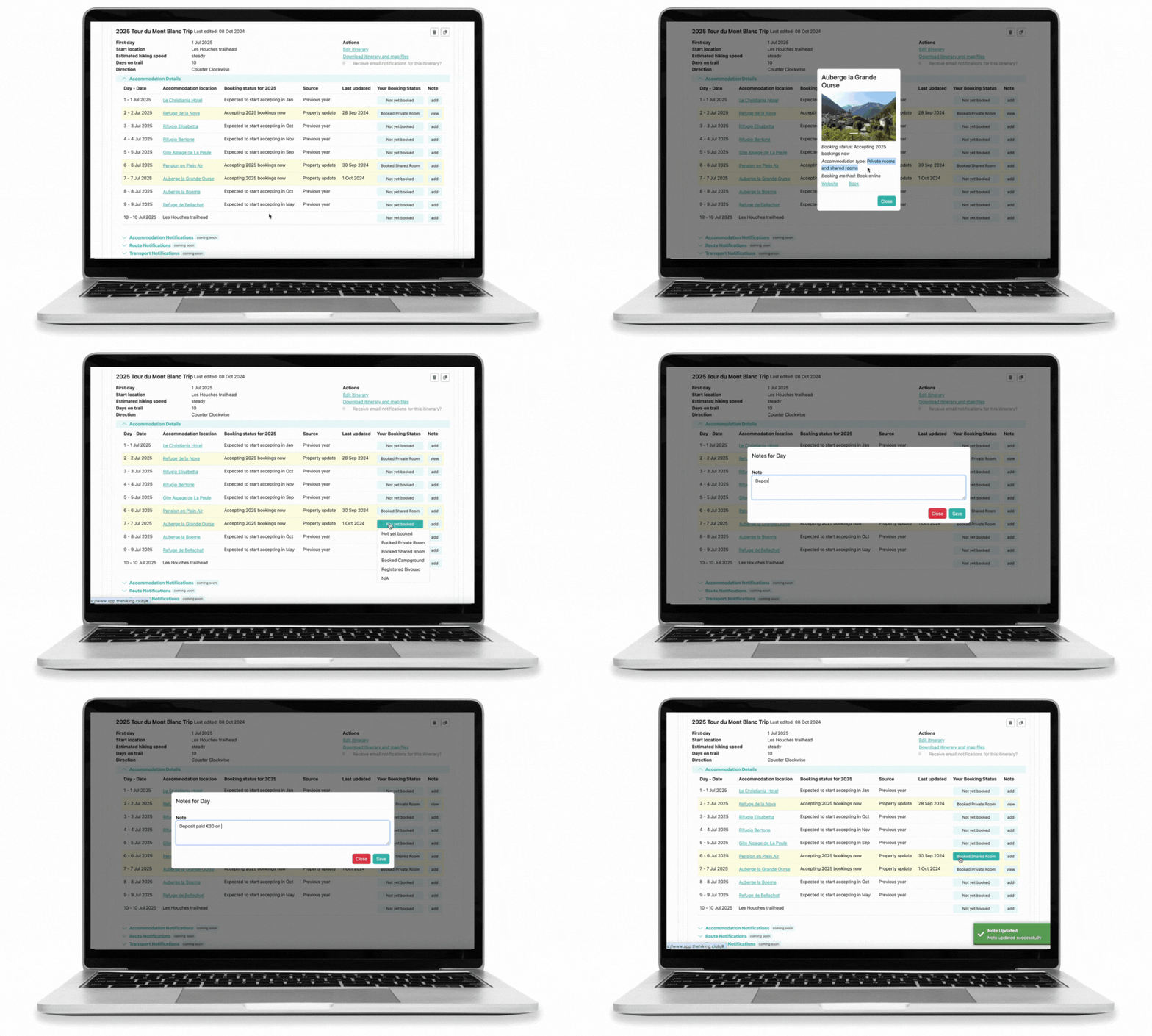
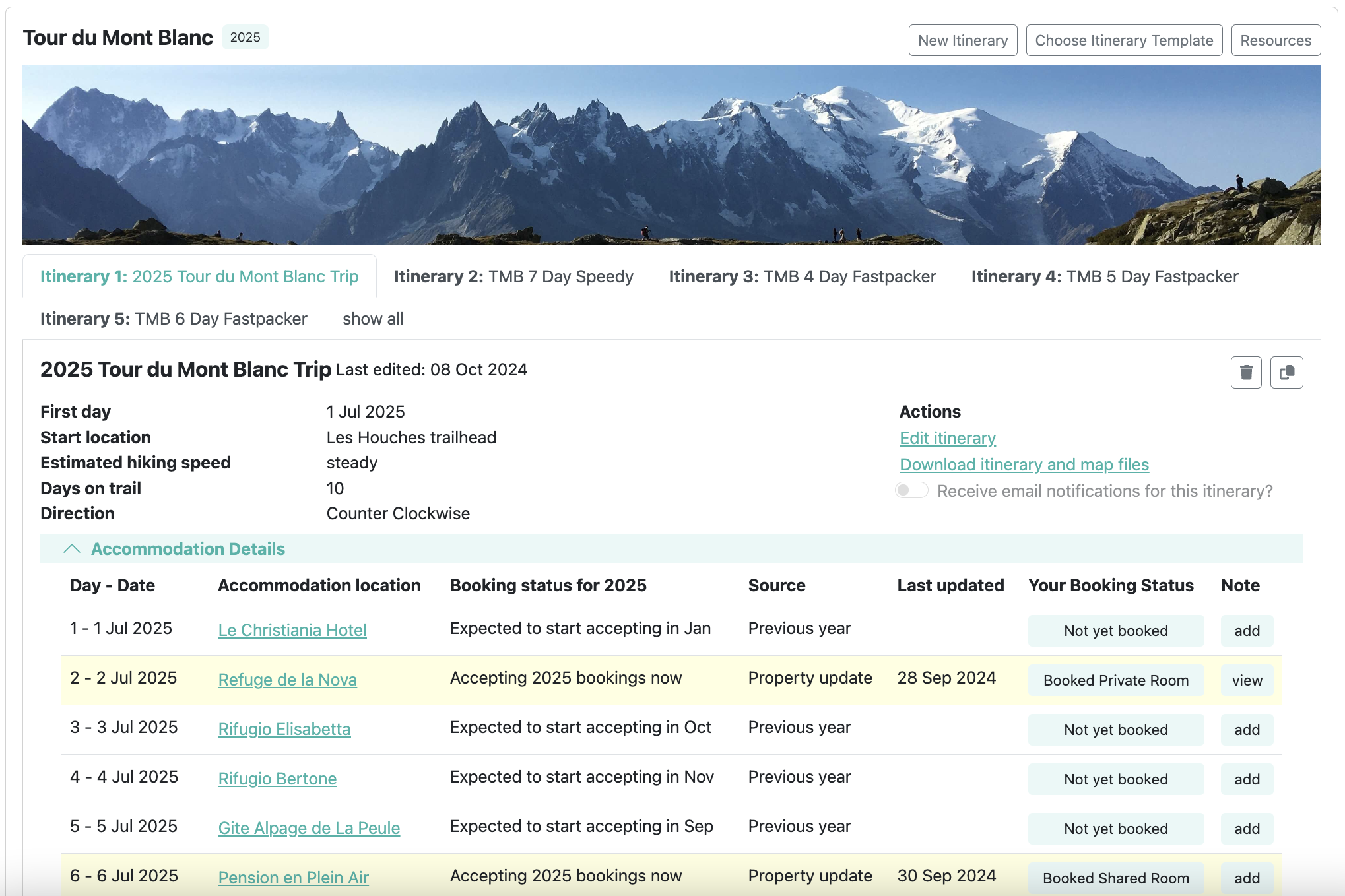
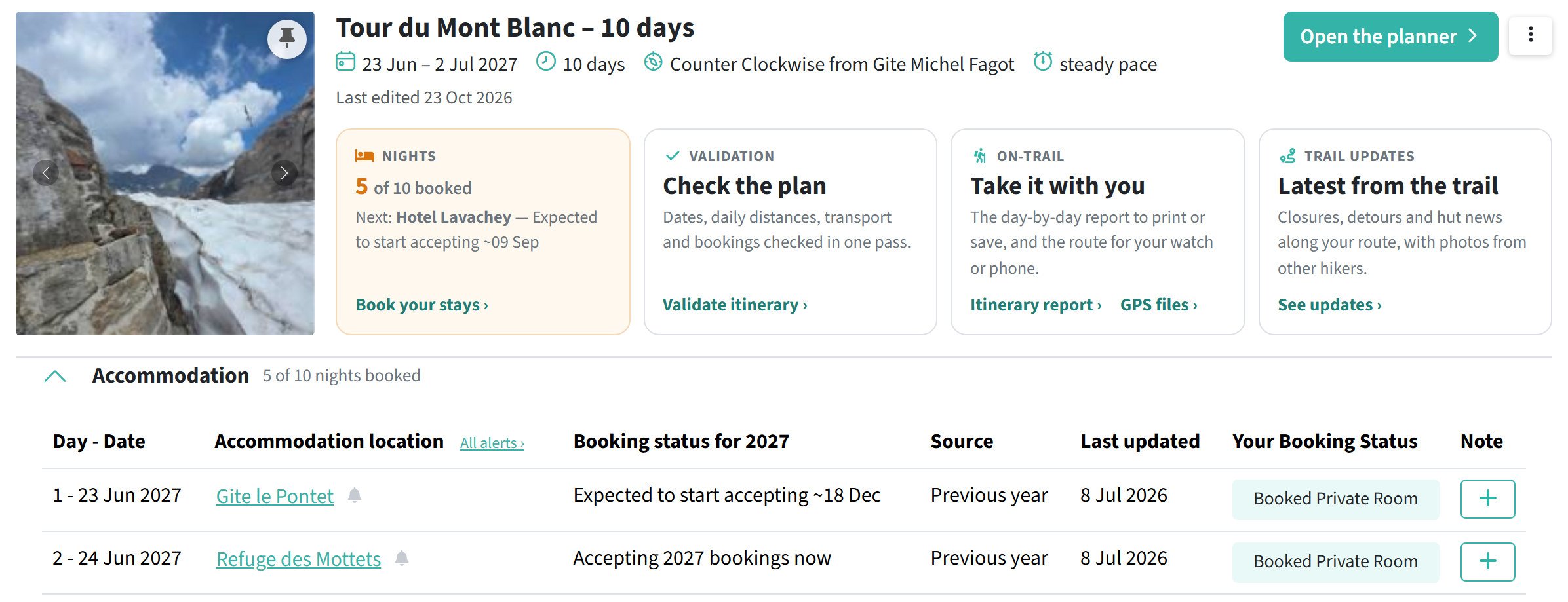
The refreshed Trails page brings together your booking progress, itinerary checks, itinerary report, GPS files and recent trail updates. Review each night's booking status and manage accommodation alerts directly from the table.
Explore your next adventure
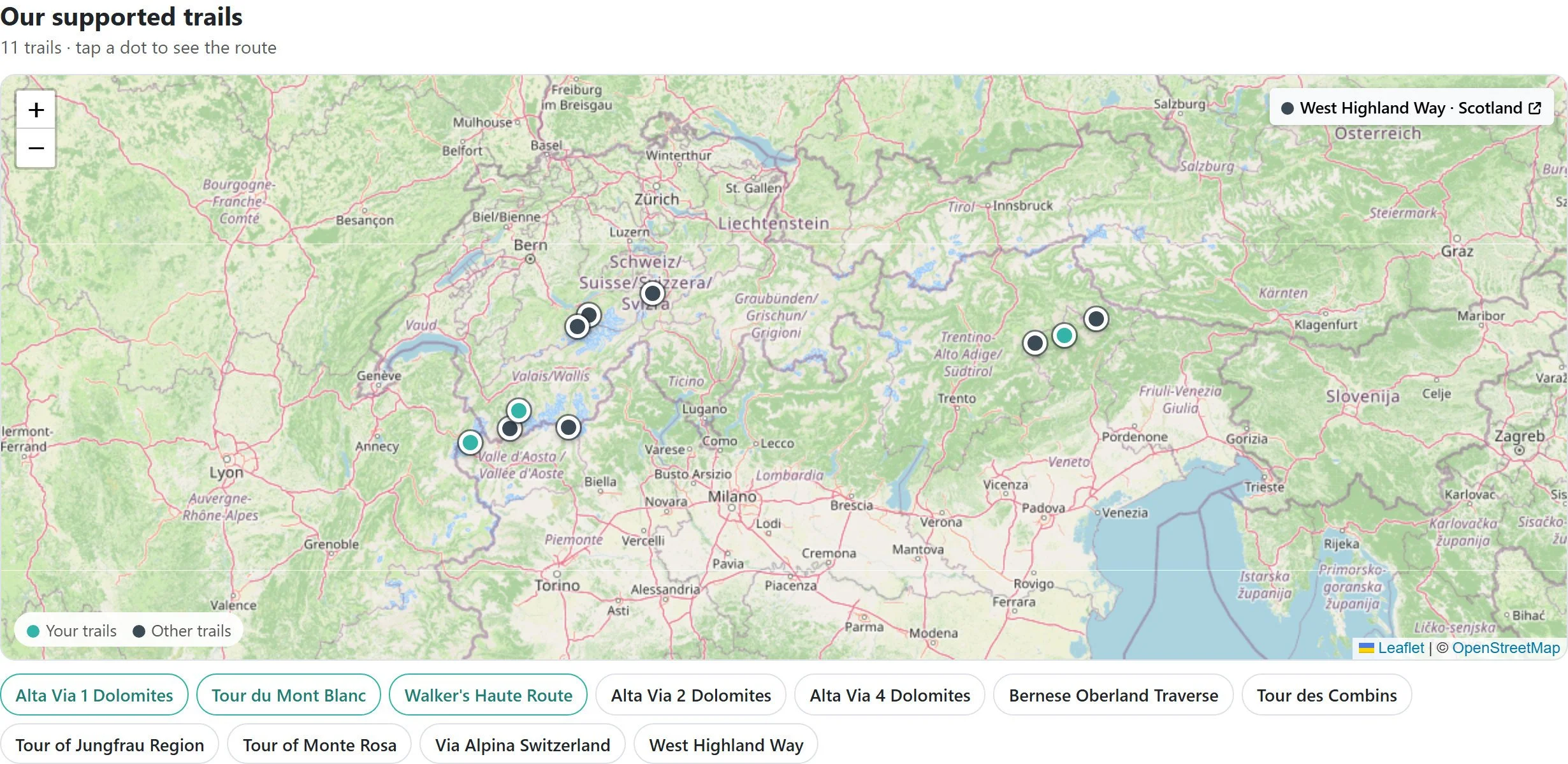
We've added an interactive overview of our 11 supported trails across the Alps and Scotland. Select a trail on the map to explore its route, or choose its name to start planning.
Already have an itinerary?
When you open your itinerary, the planner will guide you through anything that needs checking. Your existing route, dates and bookings remain unchanged until you confirm a change.
Not yet a customer? See our pricing